
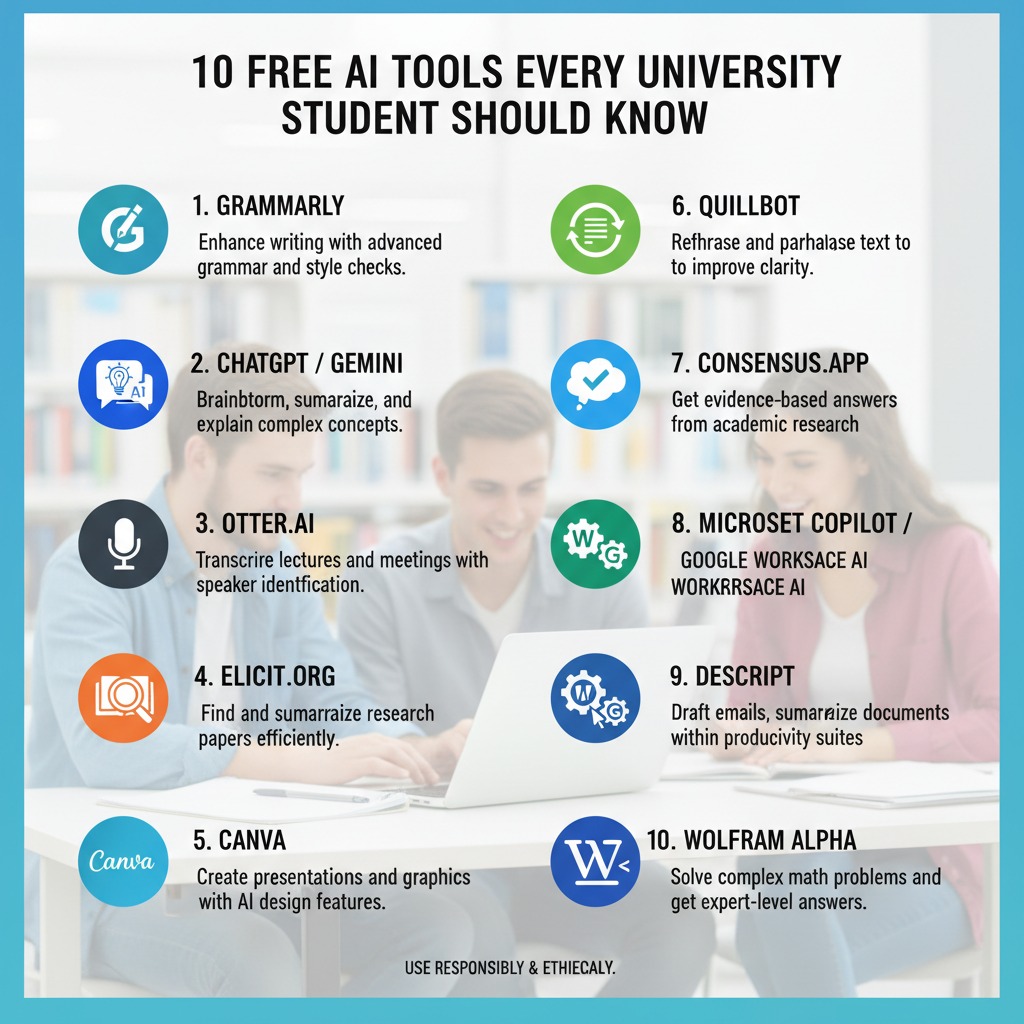
University students in 2026 have access to some of the most powerful study tools ever built — and most of them are completely free. But with dozens of AI tools being marketed to students simultaneously, it’s hard to know which ones are genuinely worth learning. These are the five free AI tools every university student should know in 2026 — what each one actually does, when to use it, and how to start today.
1. ChatGPT — Best All-Around AI Assistant
Free tier: Yes — GPT-3.5 is free with no subscription required
Best for: Concept explanation, essay feedback, practice question generation, coding help, interview prep
ChatGPT remains the most versatile free AI tool for university students — not because it’s always the best at any single task, but because it handles the widest range of study needs competently. Students use it most for getting plain-language explanations of difficult concepts, generating practice exam questions, getting structural feedback on essays before submission, and preparing for job interviews.
How to get the most from the free tier: Be specific in your prompts. “Explain this concept” produces a mediocre response; “Explain [concept] using a real-world example, at the level of a first-year [subject] student” produces something genuinely useful. For a full guide to prompting effectively, see our article on how to write better AI prompts.
Key limitation: The free tier uses an older model that can make factual errors, especially on niche or recent topics. Always verify specific facts and citations independently.
2. Claude — Best for Long Documents and Essay Feedback
Free tier: Yes — Claude.ai has a generous free tier
Best for: Essay feedback, long document analysis, nuanced explanations, and textbook chapter summarising
Claude handles longer pieces of text better than any other free AI tool — which makes it particularly valuable for university students working with long essays, research papers, and dense textbook chapters. It’s free tier allows larger uploads and longer conversations than ChatGPT’s free version.
The specific use case that students find most valuable: Paste your essay draft and ask Claude to give detailed structural feedback without rewriting it. It identifies where your argument loses coherence, where claims need better support, and which sentences don’t sound like your genuine voice — all without taking over the writing. Our full guide on how to use AI to improve essay writing without having AI write it uses Claude as the primary tool for exactly this reason.
Key limitation: Like all AI tools, Claude can hallucinate specific facts. For academic work, verify any statistics, citations, or specific claims independently before submitting.
3. Perplexity AI — Best for Research With Real Sources
Free tier: Yes — the standard version is free with no account required
Best for: Literature mapping, source discovery, fact-checking, research paper preparation
Perplexity AI is the tool most students haven’t heard of but should be using for research. Unlike ChatGPT and Claude, which generate responses from training data, Perplexity searches the web in real time and cites its sources inline — making it far more useful for academic research where you need traceable, verifiable information.
The workflow that works: Use Perplexity to map your research topic and identify key sources and debates, then follow the citations to the original papers or reports. Use your university library database for peer-reviewed access to paywalled articles. Perplexity handles discovery; databases handle formal access.
Pro tip: Switch to Academic mode in Perplexity’s settings to prioritise peer-reviewed sources from databases like Semantic Scholar and PubMed. For the complete university research workflow, see our guide on how to use Perplexity AI for university research papers.
Key limitation: Still verify every source Perplexity provides — it occasionally misattributes claims or summarises from secondary sources that don’t represent the original accurately.
4. Anki — Best for Long-Term Retention and Exam Preparation
Free tier: Yes — the desktop app and AnkiWeb sync are completely free
Best for: Vocabulary, terminology, dates, formulas, any subject requiring long-term memorisation
Anki isn’t an AI tool in the ChatGPT sense — it’s a spaced repetition flashcard system built on a scheduling algorithm that presents cards at the optimal moment for memory consolidation. It’s been the go-to tool for medical students, language learners, and law students for over a decade, and it’s free on every platform except iOS.
Where AI comes in: The fastest way to use Anki in 2026 is to generate flashcards with ChatGPT or Claude (ask for CSV output with Front and Back columns), import the CSV file into Anki in under a minute, and let Anki’s algorithm schedule your reviews. This combines AI’s generation speed with Anki’s proven retention science — producing a study system that would have taken hours to build manually.
Key limitation: Anki’s interface is dated and takes 30 minutes to learn. That initial learning curve is worth it — students who push past it consistently report it as their most valuable study tool. For a comparison with Quizlet and ChatGPT as alternatives, see our guide on Quizlet AI vs Anki vs ChatGPT for flashcard creation.
5. Quizlet AI — Best for Quick Study Sets Without Setup
Free tier: Yes — basic features are free; AI features require Quizlet Plus ($35.99/year)
Best for: Quick flashcard creation, collaborative study sets, test mode for upcoming assessments
Quizlet’s AI feature (Magic Notes) lets students paste lecture notes or textbook sections and automatically generate complete flashcard sets — then study them immediately using built-in games and test modes, without any of Anki’s setup complexity. For students who want results without a learning curve, this is the most accessible flashcard tool available.
Where it beats Anki: Speed and simplicity. Paste notes, get flashcards, start studying — all within two minutes and no imports required. The built-in study modes (Learn, Match, Gravity) are also more engaging for students who find Anki’s interface demotivating.
Where Anki beats it: Long-term retention. Quizlet’s Learn mode adapts to performance but doesn’t implement true spaced repetition science. For subjects where you need to retain material over months or years (medicine, law, language learning), Anki produces better long-term results.
Key limitation: The best AI features (Magic Notes, AI-generated explanations) require Quizlet Plus. The free tier is capable of creating and studying manual flashcard sets, but limits automatic AI generation.
How to Use These Five Tools Together
The students getting the most from free AI tools in 2026 aren’t using just one — they’re using different tools for different parts of their workflow:
- Research phase: Perplexity to map sources and identify the literature
- Understanding phase: ChatGPT or Claude for concept explanations and plain-language summaries
- Writing phase: Claude for essay feedback and structural review
- Memorisation phase: Anki (generated with ChatGPT) for long-term retention, Quizlet for quick pre-exam review
- Interview and exam prep: ChatGPT for mock questions and practice responses
Together, these five free tools cover every major stage of university academic life — with no subscription required for the core functionality of any of them.
A Note on Academic Integrity
All five tools above are legitimate study aids when used appropriately — for understanding, research, feedback, and memorisation. The line that matters for academic integrity is submitting AI-generated content as your own work. Using these tools to learn more effectively and produce better original work is not cheating at any institution we’re aware of. For a detailed look at what schools actually say, see our guide on using AI for homework cheating.
Frequently Asked Questions
What are the best free AI tools for university students in 2026?
The five most useful are ChatGPT (all-around assistant), Claude (essays and long documents), Perplexity AI (research with sources), Anki (spaced repetition memorisation), and Quizlet (quick flashcard creation). Together they cover research, understanding, writing, and memorisation — the four core stages of university study.
Do any of these AI tools require payment?
All five have functional free tiers. ChatGPT, Claude, and Perplexity are free to use immediately without an account in most cases. Anki’s desktop app and web sync are completely free. Quizlet’s best AI features (Magic Notes) require a Plus subscription, but the basic flashcard creation and study modes are free.
Is Perplexity AI better than Google for university research?
For different things. Perplexity is better for getting a fast overview of a topic with cited sources and being able to ask follow-up questions. Google Scholar is better for formal, reproducible searches of peer-reviewed literature. Use Perplexity for discovery, Google Scholar, and your library database for formal research.
Can I use ChatGPT and Claude for the same tasks?
Yes — they’re often interchangeable for explaining concepts and generating practice questions. Claude has an edge on longer documents and nuanced essay feedback. ChatGPT has a larger user community with more shared prompts and resources. Most students benefit from knowing both and using whichever produces better output for a specific task.
Which tool should I start with if I’m new to AI?
Start with ChatGPT — it’s the most widely used, has the most tutorials and community resources, and handles the broadest range of study tasks. Once you’re comfortable with how AI tools work generally, add Perplexity for research tasks and Claude for writing feedback. Anki and Quizlet can be added whenever you have material to memorise for an upcoming exam.
The five tools above are free, proven, and cover every major stage of university academic life. The only barrier to using them effectively is knowing they exist and understanding what each one is actually for — which is exactly what this guide is for. Start with one, get comfortable, and add the others as your workload demands.
