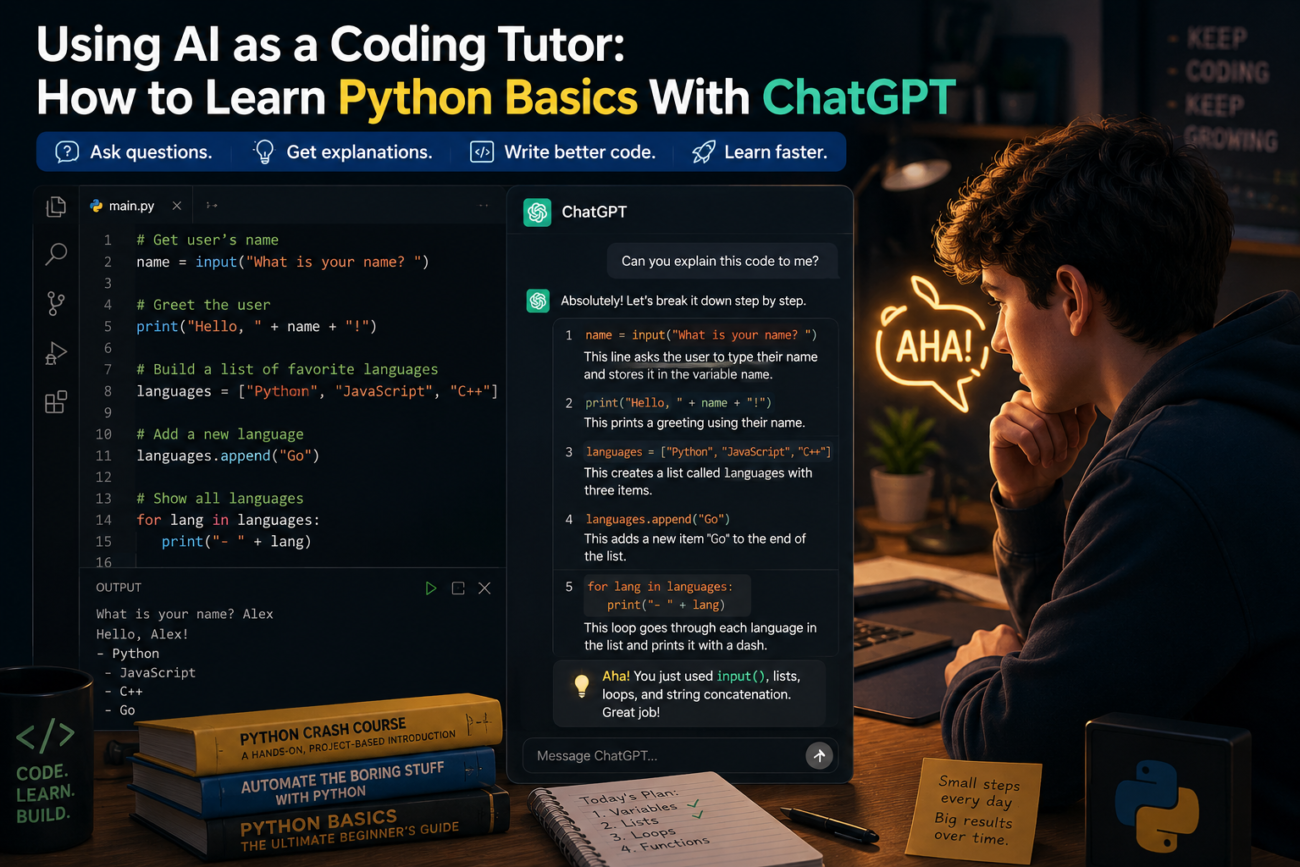
ChatGPT is one of the most effective Python tutors available to beginners in 2026 — it’s infinitely patient, available at any hour, and can explain the same concept ten different ways until it clicks. But using AI as a coding tutor to learn Python correctly requires a different approach than using it for most other tasks. If you ask it to write code for you, you’ll learn nothing. If you ask it to teach you to write code, it’s remarkably good. Here’s the structured approach that actually works.
Why ChatGPT Works Well as a Python Tutor for Beginners
Traditional Python tutorials move at a fixed pace and can’t respond to your specific confusions. ChatGPT adapts to exactly where you are — ask it to slow down, go deeper, use a different analogy, or give you more practice on a specific concept, and it does. It also debugs your code in plain English, explaining not just what went wrong but why, which is what actually produces learning rather than just fixing the immediate problem.
The risk is the same as with any AI study tool: if you ask for the answer instead of the explanation, you bypass the learning entirely. The prompts in this guide are specifically designed to keep you as the one doing the thinking.
Setting Up Your AI Python Tutor
Before your first lesson, set the context with this opening prompt — use it at the start of every new ChatGPT session:
“You are my Python tutor. I am a complete beginner with no prior coding experience. Teach me using these rules: (1) Never write full solutions for me — instead, guide me with hints and let me write the code myself; (2) When I make mistakes, explain what went wrong and why before suggesting how to fix it; (3) After each concept, give me a small exercise to practice it; (4) If I ask you to just give me the answer, remind me that doing it myself is how I actually learn and offer a hint instead.”
This single prompt changes everything. It establishes a relationship where ChatGPT teaches rather than does — which is the entire difference between learning Python and just having code that works.
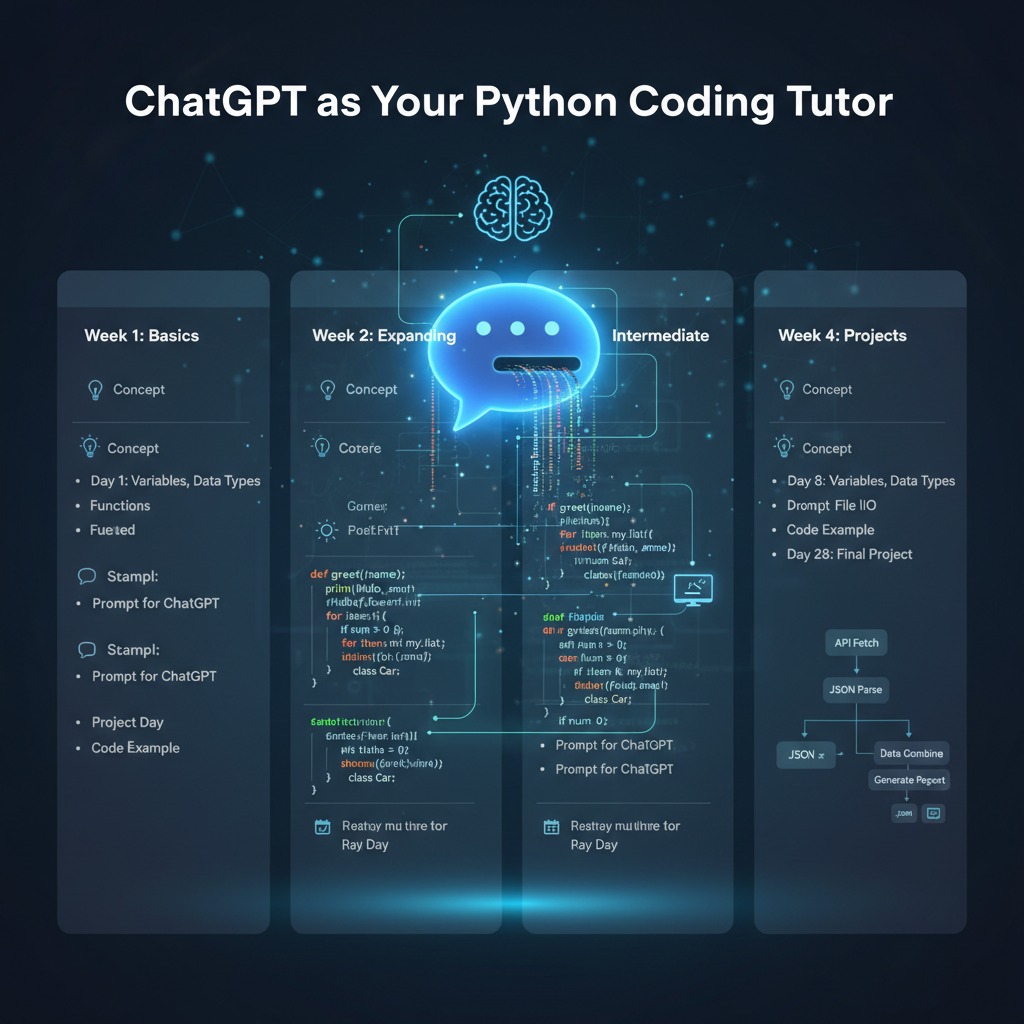
Week 1: Variables, Data Types, and Your First Programme
Day 1–2: Variables and basic data types
Start here:
“Teach me what a variable is in Python. Use a real-world analogy, then show me the simplest possible example. Then give me three exercises to practise creating variables with different data types.”
After ChatGPT explains, you’ll learn that Python has four basic data types to start with:
name = "Alex"          # string (text)
age = 25               # integer (whole number)
height = 1.75          # float (decimal number)
is_student = True      # boolean (True or False)
Write these yourself in a Python environment — use Python’s online shell or install Python locally. Type each line, run it, and see what happens. Then try the exercises ChatGPT gives you before asking for any feedback.
Day 3–4: Print statements and basic output
“Teach me how print() works in Python. Show me how to print variables, combine text with variables, and format output clearly. Then give me exercises.”
name = "Alex"
age = 25
print(f"My name is {name} and I am {age} years old.")
Day 5–7: Your first real programme
“Help me build a simple programme that asks the user their name and age, then prints a personalised greeting. Don’t write it for me — give me the steps and let me try each one.”
This is the moment where variables and print statements combine into something that actually does something. Getting here in week one feels significant, because it is.
Week 2: Conditionals and Loops
If/else statements
“Teach me if/else statements in Python. Start with the simplest possible example, explain the indentation rule (I’ve heard it’s important), and give me exercises that require me to think about conditions, not just copy syntax.”
age = 20
if age >= 18:
    print("You are an adult.")
else:
    print("You are a minor.")
The indentation is not optional in Python — it’s how the language understands what’s inside the if block. ChatGPT is excellent at explaining this in multiple ways until it genuinely makes sense.
For loops and while loops
“Explain the difference between a for loop and a while loop in Python. When would I use each? Give me a simple example of both, then an exercise that requires me to choose which one is more appropriate.”
# For loop — when you know how many times to repeat
for i in range(5):
    print(i)

# While loop — when you repeat until a condition is met
count = 0
while count < 5:
    print(count)
    count += 1
Week 3: Functions and Lists
Functions — the most important concept in programming
“Teach me functions in Python. Why do they exist? What problem do they solve? Start with the simplest possible example and build up. I want to understand why I’d use a function before I learn the syntax.”
def greet(name):
    return f"Hello, {name}!"

print(greet("Alex"))
print(greet("Sam"))
Functions are where programming starts to feel powerful — the same block of code working on different inputs. ChatGPT can show you the same function five different ways until the concept lands.
Lists
“Teach me Python lists. How do I create one, add to it, remove from it, and loop through it? Give me a real-world example of when I’d use a list rather than separate variables.”
fruits = ["apple", "banana", "cherry"]
fruits.append("orange")
for fruit in fruits:
    print(fruit)
Week 4: A Real Project From Scratch
By week four, you have enough Python to build something real. Use this prompt to drive the whole project:
“I want to build a simple to-do list programme in Python using only what I’ve learned so far — variables, print, input, if/else, loops, functions, and lists. Don’t build it for me. Help me plan it first: what functions do I need? What should the programme do step by step? Then let me build each piece while you give hints if I get stuck.”
Building something from a blank file — even something simple — is qualitatively different from following exercises. You’ll get stuck in ways exercises didn’t prepare you for. That’s exactly what you want: ChatGPT helps you get unstuck without taking over.
How to Use ChatGPT to Debug Your Python Code
When your code breaks — and it will — use this debugging prompt rather than asking ChatGPT to fix it:
“My Python code has an error and I can’t figure out why. Here’s the code: [paste code] and here’s the error message: [paste error]. Don’t fix it for me. Explain what the error message means, what type of mistake usually causes it, and give me a hint about where to look.”
Reading and understanding error messages is one of the most important skills in programming. If ChatGPT always fixes the error for you, you never develop the ability to debug independently — which is what you’ll need for every real project.
What to Do When You Feel Stuck or Overwhelmed
Feeling stuck is normal and happens to every programmer at every level. When it happens, use one of these prompts:
- “I understand [concept A] but I’m confused about how it connects to [concept B]. Can you build a bridge between them with a single example?”
- “I’ve tried this exercise three times and can’t get it. Without giving me the answer, can you break it into smaller steps I can tackle one at a time?”
- “Quiz me on everything I’ve learned so far about [topic]. Ask me questions and tell me how I’m doing.”
The third prompt is particularly useful — being quizzed on Python concepts verbally (or in text) reveals gaps in understanding that writing code can hide. For more on using AI for active recall and testing, see our guide on how students are using AI tools in 2026.
The One Habit That Separates Learners Who Progress From Those Who Don’t
Type every single line of code yourself. Don’t copy-paste from ChatGPT’s examples. Don’t copy-paste from tutorials. Type it. Make mistakes. Fix the mistakes. Your fingers learning the syntax is part of how your brain learns the language — it’s not just a metaphor. Students who copy-paste consistently plateau faster than those who type, because typing forces active engagement with every character in a way that reading and copying doesn’t.
This is the same principle that makes AI-assisted studying effective generally: the learning happens in the active engagement, not the passive consumption. See our guide on how to use ChatGPT for studying without cheating for more on why this distinction matters across every subject.
Frequently Asked Questions
Can ChatGPT really teach you Python from scratch?
Yes — if you use it as a tutor rather than a code generator. The key is prompting it to guide you through concepts and exercises rather than produce code you copy. Many self-taught programmers in 2025–2026 cite AI as their primary learning resource alongside official Python documentation.
How long does it take to learn Python basics with AI?
With 30–45 minutes of daily practice using the structured approach above, most beginners reach a functional understanding of Python fundamentals in 4–6 weeks. “Functional” means able to write programmes that solve real problems — not fluency, which takes months of continued practice.
Do I need to pay for ChatGPT to learn Python?
No — the free tier of ChatGPT is sufficient for all the learning techniques in this guide. The paid tier (GPT-4) handles longer code files and more complex debugging better, but beginners working on fundamentals won’t hit the limitations of the free tier in the first several weeks.
What Python environment should I use while learning with ChatGPT?
For absolute beginners, start with an online Python shell so there’s no installation friction — Python.org’s shell or Replit both work well. Once you’re past week one, install Python locally and use VS Code as your editor — it’s free, beginner-friendly, and what most professional Python developers use.
What should I learn after Python basics?
After the four-week fundamentals above, the most useful next steps depend on your goal: data science (pandas, NumPy), web development (Flask or Django), automation (file handling, web scraping with BeautifulSoup), or general programming (object-oriented programming concepts). Ask ChatGPT: “I’ve learned Python fundamentals and I want to [your goal]. What should I learn next, in what order?”
Can I use Claude instead of ChatGPT to learn Python?
Yes — Claude is equally effective as a Python tutor and some learners prefer its explanations for conceptual topics. The prompts in this guide work identically with Claude. Try both on the same concept and use whichever explanation resonates more clearly with you.
The best Python tutor you’ll ever have is one that’s available at 3am when you’re stuck, never gets frustrated when you ask the same question five different ways, and adjusts its explanation every time until it clicks. ChatGPT is that tutor. The only thing it can’t do is make you type the code yourself — that part is still yours.
