
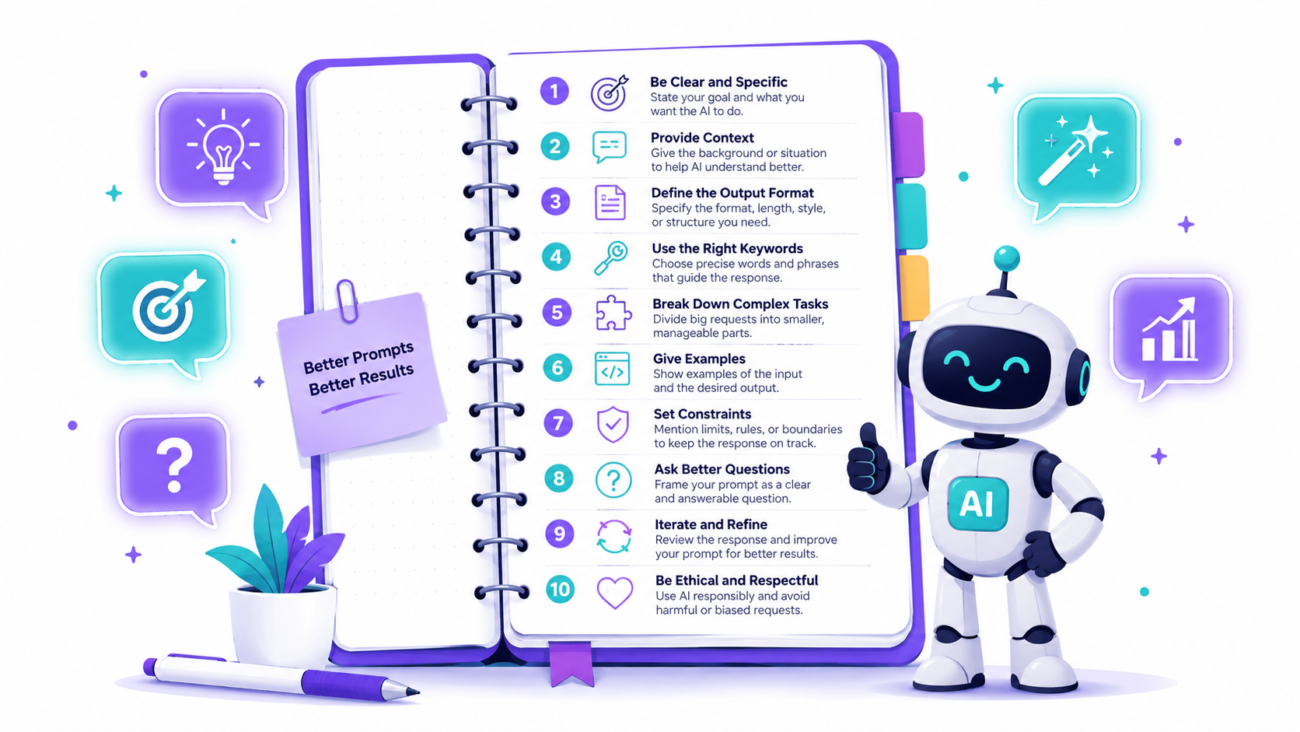
Most people get disappointing results from AI tools — not because the AI is bad, but because of how they ask. Learning how to write better AI prompts is the single fastest way to dramatically improve what you get back from ChatGPT, Claude, and any other AI tool. Here are 10 practical principles every beginner should know, with real before-and-after examples for each.
Why Prompt Writing Makes Such a Big Difference
AI tools are powerful — but they respond to exactly what you give them. A vague prompt produces a vague answer. A specific, well-structured prompt produces something genuinely useful. The gap between a weak prompt and a strong one can mean the difference between a generic paragraph you’d never use and a polished first draft that saves you an hour.
Understanding how AI instructions work helps too — but you don’t need technical knowledge to write better prompts. You just need to follow a few consistent principles.
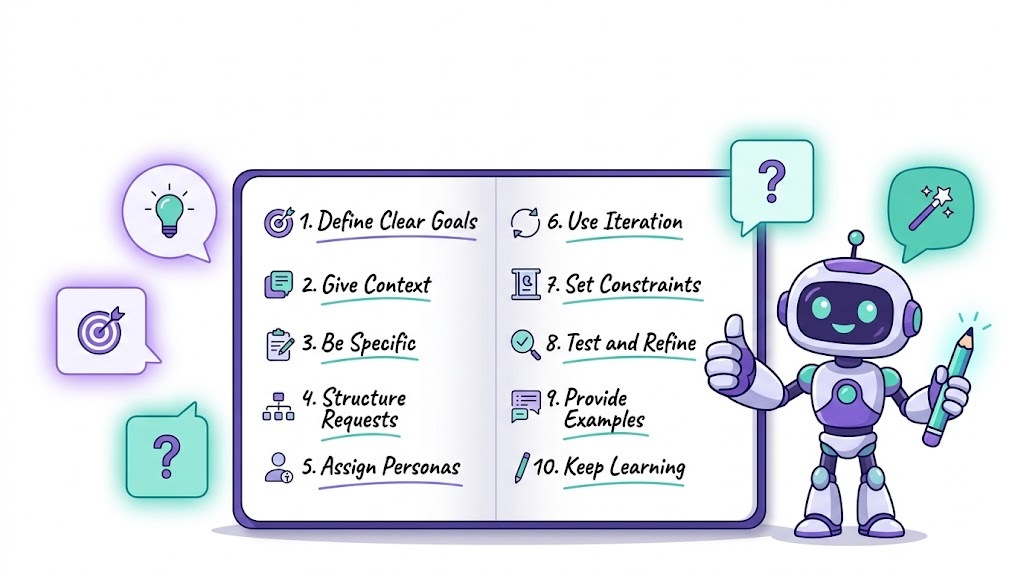
10 Principles for How to Write Better AI Prompts
1. Be specific about what you want
The most common prompt mistake is being too vague. AI tools don’t read minds — they respond to what you write.
Weak: “Write me something about marketing.”
Better: “Write a 200-word Instagram caption for a small coffee shop in London promoting their new seasonal latte menu. Tone: warm and inviting.”
The more specific your request, the more targeted and useful the output.
2. Assign a role or persona
Telling the AI who to be dramatically changes the quality and style of the response. This is one of the most powerful prompt techniques available.
Weak: “Explain compound interest.”
Better: “You are a friendly financial advisor explaining compound interest to a 16-year-old with no finance background. Use a simple analogy and keep it under 150 words.”
Role assignment shapes tone, vocabulary, depth, and perspective all at once.
3. Specify the format you want
AI will default to whatever format feels natural — which may not be what you need. Tell it explicitly.
Weak: “Give me ideas for blog posts.”
Better: “Give me 10 blog post ideas about remote work productivity. Present them as a numbered list with a one-sentence description of each.”
Useful format instructions include: bullet points, numbered lists, tables, headers, a specific word count, or a particular structure like introduction/body/conclusion.
4. Give context about your audience
AI produces better output when it knows who will read or use it. Include audience information in your prompt whenever it’s relevant.
Weak: “Write an email about our new pricing.”
Better: “Write an email to existing customers who are on our old pricing plan, explaining that prices are increasing by 15% in 30 days. Tone: honest and empathetic. Keep it under 200 words.”
5. Show an example of what you want
If you have an example of the style, tone, or format you’re aiming for, include it. This is called few-shot prompting and it consistently produces better results than description alone.
Example: “Write three product descriptions in this style: [paste your example]. The products are: a wireless keyboard, a USB hub, and a laptop stand.”
You don’t need to explain the style — just show it.
6. Tell the AI what to avoid
Negative instructions are just as useful as positive ones. If there’s something you definitely don’t want, say so explicitly.
Example: “Write a LinkedIn post about our company culture. Do not use the words ‘passionate’, ‘synergy’, or ‘fast-paced’. Avoid corporate clichés. Keep it human and specific.”
AI tools have default tendencies — like overusing certain buzzwords — that you can prevent by calling them out directly.
7. Break complex tasks into steps
If you need something complex, don’t try to get it all in one prompt. Break the task into stages and prompt for each one separately.
Instead of: “Write a complete marketing strategy for my business.”
Try:
- “Identify the three biggest marketing challenges for a freelance graphic designer trying to attract corporate clients.”
- “Based on those challenges, suggest five marketing tactics with a brief explanation of each.”
- “Now write a 90-day action plan using tactics 1, 3, and 5.”
Each step builds on the last, and you get much better results than asking for everything at once.
8. Ask for options, not just one answer
When you’re not sure exactly what you want, asking for multiple versions gives you something to react to — which is often easier than describing the perfect output from scratch.
Example: “Write three different subject lines for a cold outreach email to HR managers at tech companies. Make one formal, one conversational, and one curiosity-driven.”
Having options lets you mix, match, and refine rather than starting over.
9. Iterate rather than starting over
One of the most valuable skills in prompt writing is knowing how to refine a response rather than abandoning it. When the first output isn’t quite right, tell the AI specifically what to change.
Instead of: Deleting everything and rewriting your prompt from scratch.
Try: “Good start. Now make it 30% shorter, use a more confident tone, and add a specific call to action at the end.”
Think of it as editing a draft with a very fast collaborator — not starting a new project every time.
10. Ask the AI to ask you questions first
For complex tasks, one of the best prompts you can write is one that invites the AI to gather information before producing output.
Example: “I want you to help me write a cover letter for a job application. Before you write anything, ask me the questions you need to write the best possible version.”
This produces dramatically better results for anything personal, nuanced, or context-dependent — because the AI has what it needs before it starts.
A Simple Prompt Template to Get You Started
If you want one framework to apply everything above, use this structure:
[Role] + [Task] + [Context/Audience] + [Format] + [Constraints]
Example: “You are an experienced HR professional [role]. Write a job description [task] for a mid-level project manager role at a 50-person software company targeting candidates with 3–5 years of experience [context/audience]. Format it with sections for Overview, Responsibilities, Requirements, and Benefits [format]. Keep it under 400 words and avoid jargon [constraints].”
You won’t always need all five elements — but having the framework in mind ensures you’re giving the AI what it needs to help you properly. For a deeper look at how professionals shape AI behaviour, see our guide on what a system prompt is.
Common Prompt Mistakes to Avoid
- Being too vague — “Help me with my business” tells the AI almost nothing. The more specific you are, the better the output.
- Expecting perfection on the first try — Great AI output usually takes two or three iterations. Build in refinement from the start.
- Forgetting to specify length — AI defaults to a length that may be too long or too short for your needs. Always specify if it matters.
- Not reading the output critically — AI can sound very confident while being wrong. Always review outputs, especially for facts, figures, and anything you’ll share publicly. For guidance on what not to trust AI with, see our article on things you should never put into a free AI tool.
- Using the same prompt for different AI tools — ChatGPT, Claude, and Gemini respond differently to the same prompt. A prompt optimised for one may need minor tweaking for another.
Frequently Asked Questions
How do I write better AI prompts as a complete beginner?
Start with specificity: tell the AI exactly what you want, who it’s for, and what format you need. Add a role (“You are a…”) and a constraint (“Keep it under 200 words”). Those three changes alone will immediately improve your results.
What makes a good AI prompt?
A good prompt is specific, contextual, and formatted. It tells the AI what to produce, who the audience is, what style or tone to use, and what to avoid. The best prompts treat the AI like a capable collaborator who needs a proper brief — not a search engine that can guess what you mean.
How long should an AI prompt be?
As long as it needs to be — no longer. For simple tasks, a sentence or two is fine. For complex, nuanced outputs, a detailed paragraph with examples, constraints, and context will produce far better results. There’s no penalty for a longer prompt as long as every detail is relevant.
Does prompt writing work the same way on all AI tools?
The principles are universal, but different tools respond slightly differently. Claude tends to respond well to detailed context and nuance. ChatGPT responds well to role assignment and structured instructions. Gemini integrates well with Google Workspace context. The fundamentals of good prompting apply everywhere — minor tuning helps for each tool.
Can I save good prompts and reuse them?
Absolutely — and you should. If you find a prompt structure that consistently gives you good results for a specific task, save it as a template. Many professionals maintain a personal library of prompts for tasks they do regularly: email drafting, content briefs, data analysis, customer responses, and so on.
What’s the difference between a prompt and a system prompt?
A prompt is the message you type to the AI in conversation. A system prompt is a set of hidden background instructions that shapes how the AI behaves before you say anything — typically set by the platform or developer. Understanding both helps you get the most out of any AI tool. Our guide on what a system prompt is explains the difference in detail.
Learning how to write better AI prompts is one of the highest-leverage skills you can develop right now. The tools are already capable — the limiting factor is usually how you ask. Apply even three or four of these principles consistently and you’ll notice the difference immediately.
