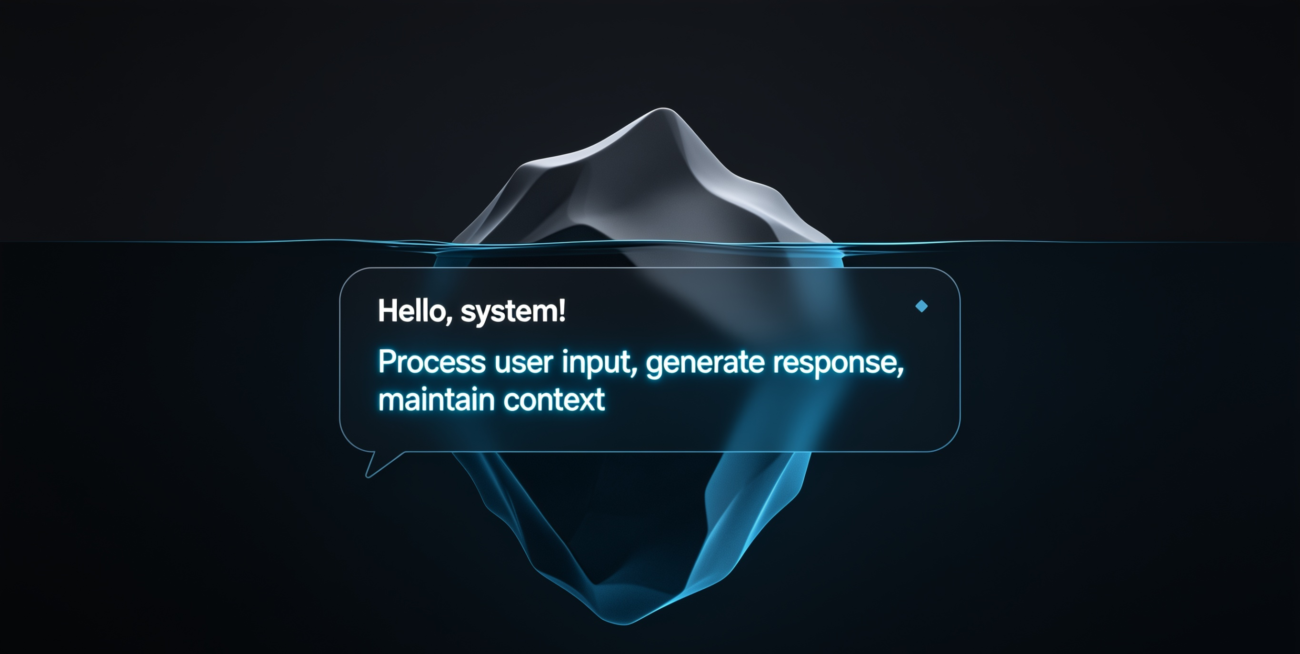
If you’ve ever noticed that ChatGPT feels different on one website versus another — more formal, more restricted, or weirdly focused on just one topic — you’ve already experienced these hidden AI instructions in action. You just didn’t know they had a name.
So, what is a system prompt, exactly? And why does it have such a dramatic effect on how AI behaves? This article breaks it down clearly, with real examples, so you can actually use this knowledge.
What Is a System Prompt?
A system prompt is a set of instructions given to an AI model before any conversation begins. It’s text that the user typically never sees, but it shapes everything: the AI’s tone, its personality, what topics it will or won’t discuss, and how it formats its answers.
Think of it like a job briefing. Before an employee starts their shift, a manager pulls them aside and says: “You’re representing our brand today. Be friendly but professional. Don’t discuss competitor products. Always recommend speaking to a doctor before giving health advice.” The employee then goes out and interacts with customers — but all of their responses are filtered through that briefing.
These hidden instructions work the same way. You’re the customer. The AI is the employee.
Where Do These Instructions Come From?
System prompts are written by whoever deploys the AI — usually a company or developer building a product on top of a model like GPT-4, Claude, or Gemini. Here are some real-world examples:
- A customer service chatbot for an airline might instruct the AI: “You are a helpful support agent for SkyFly Airlines. Only answer questions about bookings, baggage, and flight status. Do not discuss competitors. Always offer to escalate to a human agent if the issue is complex.”
- An AI writing tool might use: “You are a professional copywriter. Write in a persuasive, concise style. Use short paragraphs. Always ask clarifying questions before writing.”
- A children’s education app might say: “You are a friendly tutor for kids aged 8–12. Use simple language. Never use violent or adult themes. Encourage curiosity and reward correct answers with praise.”
In each case, the underlying AI model is the same — but the experience feels completely different because the instructions shaping it are different.
Why Does a System Prompt Change How AI Behaves?
AI models like Claude or ChatGPT are trained to be responsive and context-aware. When they receive one of these instruction sets, they treat it as authoritative guidance — often with more weight than your own messages.
This means the instructions can:
- Set the AI’s persona — The AI can be told to respond as “Aria, your friendly banking assistant” and will adopt that name, tone, and role consistently throughout the conversation.
- Restrict or expand what it talks about — The AI can be limited to only discussing cooking, or unlocked for more detailed responses on topics it would normally be cautious about.
- Change the format of responses — The AI can be instructed to always respond in bullet points, use specific headers, keep answers under 100 words, or write in a specific language.
- Inject background knowledge — Context the AI needs to help you — like your company’s return policy or specific documentation — can be included so it gives relevant answers without you explaining everything each time.
- Set behavioral guardrails — Phrases like “never suggest the user cancel their subscription” or “always recommend consulting a professional” are common guardrails businesses embed for safety and brand alignment.
A Side-by-Side Example
Here’s how the same question gets two very different answers depending on the underlying instructions:
Question: “Should I invest in crypto?”
Default AI behavior (no custom instructions):
“Cryptocurrency can be a high-risk investment. It’s important to consider your financial goals and risk tolerance. Consider speaking with a qualified financial advisor before making any decisions.”
With instructions set to “You are an enthusiastic crypto investment coach”:
“Crypto is one of the most exciting opportunities in today’s market! With the right strategy, it can be a powerful addition to your portfolio. Let’s talk about which assets align with your goals.”
Same model. Same question. Completely different answer. That’s the power of these hidden instructions.
Can You See the System Prompt?
Usually, no. When you use an AI-powered product — whether it’s a customer service bot, a writing tool, or an embedded assistant — the instructions are hidden from you. They’re considered proprietary by the company that wrote them.
However, if you’re using AI directly through a developer interface like Claude.ai or ChatGPT, you may have access to an input field where you can write your own. This is where power users and developers craft custom instructions to get more consistent, tailored results.
How to Write an Effective System Prompt
If you have access to this kind of input field, here are the core principles to follow:
- Be specific, not vague. “Be helpful” is less useful than “Answer HR policy questions in under 3 sentences, in a professional tone.”
- Define the persona. Give the AI a name and a role — for example: “You are Max, a friendly onboarding assistant for new employees.”
- Set boundaries clearly. Tell the AI what it should not do, not just what it should.
- Include relevant context. If background information is needed, put it here rather than repeating it in every message.
- Use examples. Showing the AI the kind of response you want is often more effective than describing it in the abstract.
Frequently Asked Questions
What is a system prompt in simple terms?
It’s a hidden set of instructions given to an AI before a conversation starts. It tells the model how to behave, what to focus on, and how to respond — before you type a single word.
Does every AI conversation have one?
Not necessarily. If you’re using a raw API or a very basic interface, there may be none at all. But most commercial AI products use them extensively to shape the user experience.
Can a system prompt override AI safety rules?
No. These instructions can customize and restrict behavior, but they cannot override the core safety guidelines built into the model by its creators. An AI won’t help create harmful content just because it’s been told to.
How long can a system prompt be?
It depends on the AI model and its context window. Some are a few sentences; others for enterprise applications run thousands of words, containing detailed policies, reference documents, and examples.
Can I write my own system prompt?
Yes — if you have access to the right field in a tool or API. Claude.ai, ChatGPT, and most developer platforms allow this. It’s one of the most effective ways to get better, more consistent AI results.
Understanding what a system prompt is gives you real insight into why AI behaves differently across tools and contexts. Once you see it, you can’t unsee it — and you’ll start noticing these hidden instructions everywhere you use AI.
