It was 9 PM on a Thursday. I was sitting in my classroom. Red pen in one hand. A teacher’s edition textbook was threatening to slide off my lap. Trying — really trying — to figure out how I was going to make the French Revolution interesting to a bunch of 14-year-olds. You know what most of them had for lunch? Neither did they. I looked at my half-written lesson plan and thought, this is ridiculous. There has to be a better way.
Spoiler: there is.
But let me back up. I was never the type to jump on every new tech trend. Remember when everyone thought QR codes were going to revolutionize education? Yeah, me neither. So when ChatGPT first started making waves, I rolled my eyes. Another tool I do not have time to learn. But then a colleague — let us call her Sarah — sat me down and showed me what she was doing with it. And I have to admit, I was wrong.
Here is the thing nobody tells you about lesson planning: it is not the teaching part that wears you down. It is the planning. The formatting. The endless tiny decisions about whether to do a think-pair-share or a quick write. The standards alignment that takes twice as long as it should. That stuff adds up. And it is absolutely the kind of thing you can — and maybe should — outsource to a machine.
My First Attempt Was a Train Wreck
I am not going to pretend my first AI lesson was good. It was not. It was awful, actually. The language was stiff. The activities were boring. And there was this weird moment where ChatGPT suggested students “reflect on the material in small groups” — which, if you have ever taught middle school, you know is code for “throw paper airplanes at each other for fifteen minutes.”
I almost gave up right there. Honestly? I should have. Because the way I was using it was wrong. I was treating ChatGPT like Google — type in a few keywords, expect magic. That is not how it works. At all. If you are curious about what is actually happening under the hood, check out How Does ChatGPT Actually Work? A Simple Explanation — it helped me understand why specific prompts work better.
So I switched tactics. Instead of asking for “a lesson plan about Ancient Rome” — which is what got me that garbage output — I started typing like I was talking to a student teacher. A really eager one. One who needs every detail spelled out but will work like crazy once they get it.
Here Is What I Typed (And It Actually Worked)
Okay, so picture this. I am sitting at my desk, I have got 20 minutes before my next meeting, and I need something — anything — for tomorrow’s history class. So I pull up ChatGPT and I write:
“Look, pretend you are a teacher who has been doing this for like 15 years. 7th grade history. You know what lands and what bombs. I need 45 minutes on daily life in Ancient Rome. My kids already know about the Republic so they are not starting from zero. But they check out fast if I talk too long. I want them making something. I have poster paper and markers in my closet. Also I have three ELL kids who just moved here and two who finish everything in 5 minutes and then become chaos agents. Work with that.” You can try this exact prompt yourself on ChatGPT.
Is that grammatically correct? Absolutely not. Did it get me exactly what I needed? You bet. There is a lesson here — pun not intended — about being specific.
What Came Back Surprised Me
The lesson I got was … actually good. Not publishable. Not perfect. But good. The hook asked kids to compare their morning routine with a Roman kid’s. My students could not believe Roman children ate barley porridge. (“That is prison food, Mr. Morgan.” Fair point.) But they were into it. That is what matters.
The main activity was creating a comic strip. A day in the life. Simple enough. The AI even threw in a basic rubric — which I rewrote, because, come on, we all have our own system.
Some groups surprised me. A pair of girls — quiet ones, usually — made this whole thing about social class differences in Rome. Patrician family vs. plebeian family. Breakfast, school, work, dinner. Side by side. Honestly? Better than anything I could have come up with on my own. The AI did not create that. The AI created the space for them to create it. That is the part I did not expect.
The Stuff I Had to Fix (Because Nothing Is Perfect)
Okay so here is where I am going to be honest with you. The AI made stuff up. Nothing crazy, but enough that if I had not been paying attention, my students would have learned some questionable “facts.”
It said Roman gladiators fought in the Colosseum every day. Which, no. That was more of a special occasion thing. It also overestimated how quickly 7th graders can transition between activities. According to ChatGPT, my students can wrap up an activity and start a new one in under two minutes. If you believe that, I have a bridge to sell you.
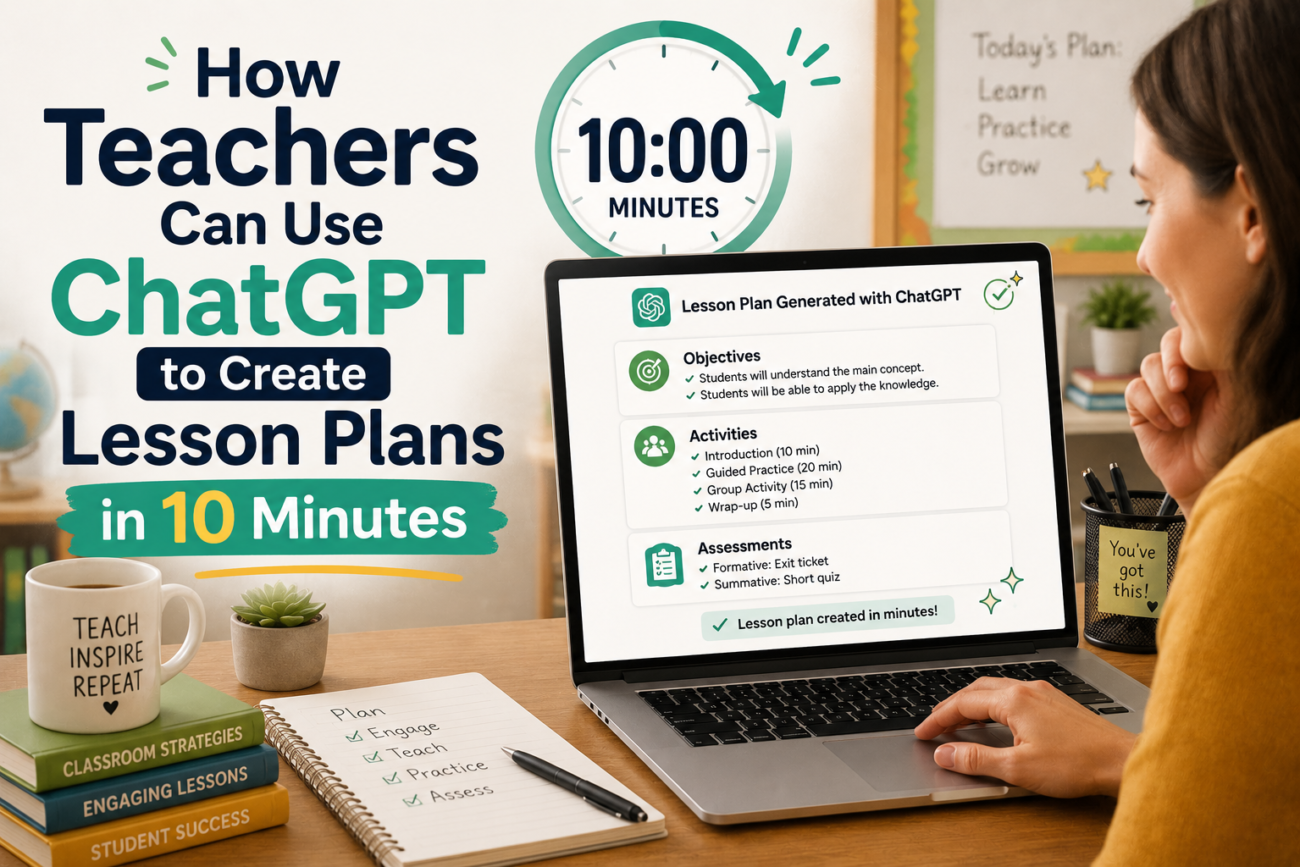
I fixed the timeline. Adjusted the questions. Added a sentence starter for my ELL kids. The whole thing took maybe 10 minutes. Ten minutes versus the hour it would have taken me to write it from scratch. That math works.
Four Months Later: What I Have Actually Learned
I have been using ChatGPT for about four months now. Not every day — sometimes I still plan the old way, for fun, or for lessons I am really passionate about. But most days? I use AI. And here is what I have noticed.
My lessons are more creative, not less. Because I am not spending my brainpower on formatting tables and writing learning objectives. I am spending it on the fun stuff — finding cool primary sources, thinking about how to explain tricky concepts, coming up with examples that will make my kids laugh.
I am also faster at catching AI mistakes now. At first, I trusted everything it said. Not anymore. I have developed this sixth sense for when something sounds wrong. Every teacher I know who uses AI says the same thing — you get better at editing AI output the more you do it.
Oh, and my stress levels? Way down. Lesson planning used to hang over me all evening. Now I bang it out in the morning before school starts, and I do not think about it again until I am standing in front of my students.
The Mistakes I Keep Seeing (And Maybe You Are Making Too)
I talk to a lot of teachers about this, and certain patterns keep popping up.
Some teachers use AI output without changing a word. I get it — we are exhausted. But come on. Your students deserve better. Read the lesson out loud. Does it sound like you? If not, rewrite it until it does.
Others try AI once, get bad results, and never go back. That is like trying a new restaurant, getting one bad meal, and swearing off eating out forever. Try different prompts. Try different approaches. The tool is flexible — you just have to learn how to talk to it.
And then there are the teachers who use AI for everything. Every single lesson. That worries me a little. Because some lessons — the really special ones, the project-based deep dives, the ones where you throw out your plan and follow a student’s question — those cannot come from a machine. Those have to come from you.
How I Keep My Voice (And Why You Should Too)
Every lesson I get from AI gets rewritten in my voice. Not the whole thing — just enough that it sounds like me. I replace formal language with the way I actually talk. I delete every instance of “let us explore the fascinating world of” (do teachers actually say that?). I add my own stories. My own examples. My own bad jokes. I use the same approach when writing report card comments — How to Use AI to Write Better Report Card Comments in Half the Time walks through the exact process.
The AI gives me the skeleton. I bring the heartbeat. That sounds cheesy but I mean it.
Different Subjects, Same Pattern
I mostly teach history, but I have talked to teachers across subjects who use similar approaches. My friend Jen teaches 3rd grade and uses ChatGPT to make math problems about her actual students. “If Marcus has 12 cookies and gives 4 to Sofia…” The kids go crazy for it. Another teacher I know generates reading passages at three different levels from the same content — which is huge for her mixed-ability classroom.
The pattern is always the same. Structure from AI. Heart from the teacher. It works for every subject I have tried.
Let Us Talk Numbers for a Second
I tracked my time before and after. Before AI: about six hours a week on lesson planning. After: about an hour and a half. That is four and a half hours. Every week. Over the course of a school year, we are talking about 150+ hours. What would you do with an extra 150 hours? I used mine to actually grade papers on time. And sleep. Sleep is good.
Some Questions I Get Asked All The Time
Is this cheating? No. You are still designing the learning. The AI is just your assistant. It is like asking if using a dishwasher is cheating at washing dishes.
What if my admin finds out? Tell them. Show them what you are doing. Most administrators are reasonable when you explain that AI is making your lessons better, not worse. And if yours is not? Well, you know your situation better than I do.
Can students tell the difference? Sometimes. If you use AI output without editing it, yes — they can tell. It sounds robotic. But if you put your own voice in, they will not know and they will not care. They just want a good lesson. Speaking of safety, you might want to read 5 Things You Should Never Put Into a Free AI Tool too — it covers what not to type into these tools.
Does it work for subjects I do not know well? I would not recommend it. If you do not know the material, you will not catch the AI’s mistakes. Stick to subjects you already understand.
Where should I start? Pick one lesson. The one you are dreading to plan this week. Try it with AI. See how it feels. You do not have to change everything overnight. Just try it once and see what happens.
Here Is My Honest Take
I do not think AI is going to replace teachers. I think teachers who use AI effectively are going to replace teachers who do not. Not because the AI does the teaching — it does not — but because it frees you up to focus on the parts of teaching that actually require a human being. Connection. Creativity. The moment when a kid’s eyes light up because they finally understand something.
That is not something ChatGPT can do. That is all you.
So use the tool. Save the time. Spend that time on your students — or on yourself. You deserve it.
Now if you will excuse me, I have a lesson to plan. And it is going to take me ten minutes.
