It was 9 PM on a Sunday. I was nestled in my favorite worn-out armchair, laptop propped on my knees, and a half-empty mug of coffee beside me. The soft glow of the screen illuminated my face, while outside, the world was blissfully unaware of my impending report card doom. The deadline loomed like a relentless storm cloud, and my mind was as empty as a student’s excuse for not turning in homework.
You know those moments when you stare at the blinking cursor, and it feels like it’s judging you? Yeah, that was me. I had 25 students whose potential I needed to sum up in a few sentences each. And let’s be real, writing report card comments is no walk in the park. It’s more like a sprint through a muddy obstacle course — frustrating and slightly embarrassing.
Why Report Card Comments Are a Pain
Look, I love teaching. But when it comes to writing comments, I turn into that kid who forgets their lunch money. It’s awkward. How do you distill a whole semester’s worth of growth, effort, and occasional chaos into a couple of phrases? And don’t get me started on those dreaded “needs improvement” comments. I mean, seriously, if I say “needs improvement,” what I’m really thinking is “please just show up on time.” But I digress.
Enter AI: My Secret Weapon
So, there I was, contemplating a life of bland report card comments when a thought struck me. What if I could use AI to help me out? I recalled a conversation with my tech-savvy colleague, Jessica. She raved about using AI tools to write comments quickly and more effectively. I was intrigued but skeptical. After all, would an AI really capture the essence of my students? Could it replace my heartfelt insights with cold, robotic assessments?
My First Attempt with AI: A Mix of Excitement and Fear
I decided to give it a whirl. I opened up ChatGPT and typed in, “Generate report card comments for 7th graders.” What popped up left me half-excited and half-terrified. Sure, the language was polished, but it was also generic. “John exhibits great enthusiasm in class,” it suggested. Enthusiasm? Sure, we call it chaos, but okay.
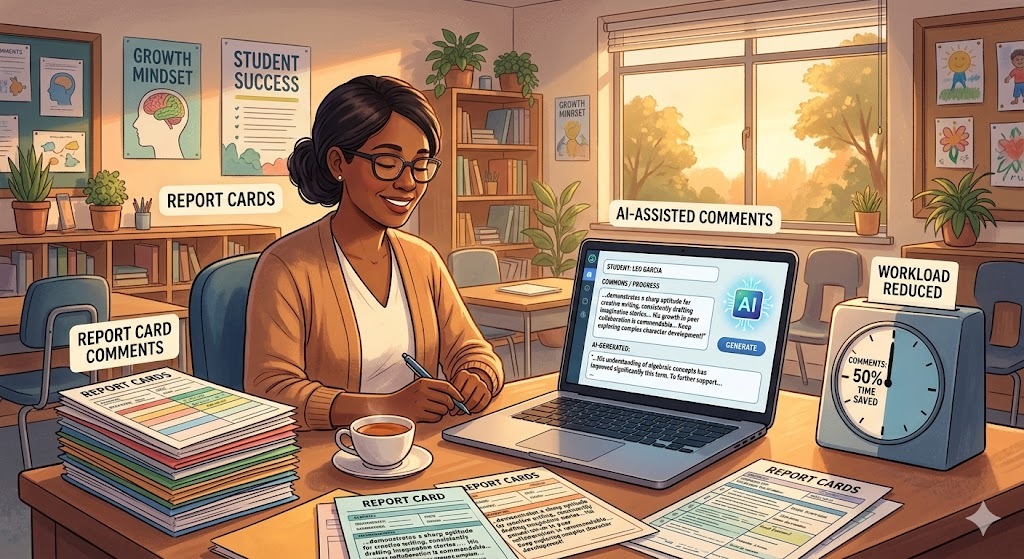
But I was determined. So I took the AI-generated comments and tried to mix them with my own. I adjusted phrases, added personal touches, and made it sound a little more like me. It was like trying to bake a cake with a recipe that was only half finished, but I was finally getting somewhere. After about an hour, I’d crafted comments that were both personalized and time-efficient. My fingers flew over the keyboard like I was auditioning for a typing speed contest.
The Breakdown: What Worked and What Didn’t
Fast forward a few days. I decided to use AI for all my students, thinking I’d save time and energy. Okay, confession time: my second attempt was a mess. I ended up with comments that sounded like they were written by an alien life form. “Samantha shows progress in her factual comprehension.” Factual comprehension? No middle schooler speaks like that!
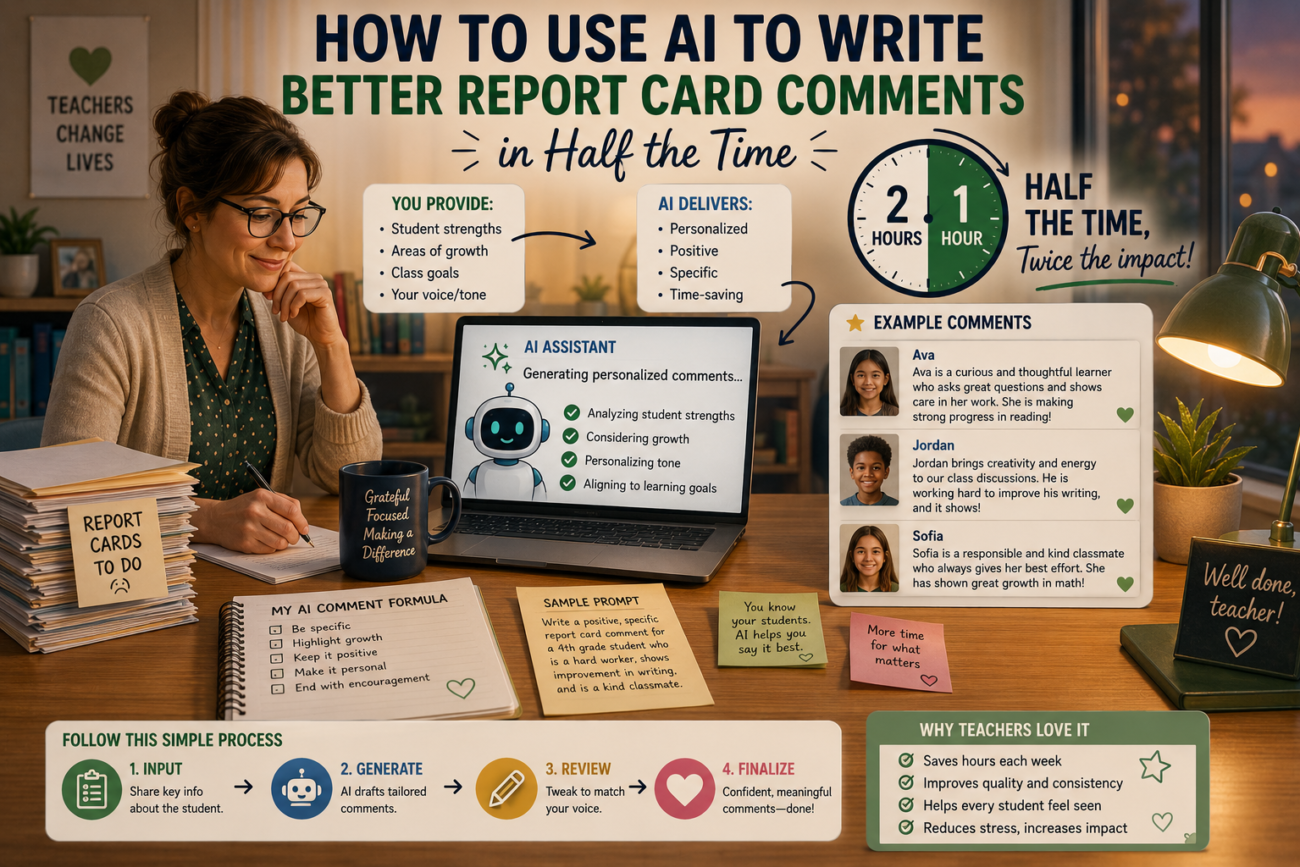
After the facepalm moment, I realized I needed to take a step back and approach it differently. I started tailoring my prompts to be more specific. Instead of just saying “Generate comments,” I included details like, “Write a comment focusing on Sarah’s improvement in group projects and her leadership skills.” The results were fantastic! I ended up with comments that resonated more with how I actually felt about my students.
Time Savings: The Numbers Don’t Lie
Let’s talk about time. Initially, writing comments took me about 2 hours per class. That’s a whopping 6 hours for three classes! After I started leveraging AI, I trimmed it down to about 1 hour per class, cutting my total writing time to just 3 hours. Imagine having those extra hours back! I could binge-watch my favorite series or finally read that novel gathering dust on my shelf.
Specific Results: The Feedback
The cherry on top? I started gathering feedback from parents and students. Instead of the usual “Thank you for the comment,” I got heartfelt responses. “I see how much you value my child,” one parent wrote. And my students? They felt recognized. “Wow, you actually paid attention to how I contributed!” said Jamie, beaming like she’d just won an award. Talk about a win-win!
Frequently Asked Questions
1. Isn’t AI just going to give generic comments?
Absolutely! But if you craft your prompts well, you can get surprisingly personalized results. It all comes down to how you guide the AI.
2. What if I don’t know what to ask?
No worries! Start with simple prompts, then add details as you go. The more specific you are, the better the output!
3. Can it really save me time?
Yes! I went from 6 hours to 3 hours. That’s a serious time win in teacher land. You’ll wonder why you waited so long to try it!
4. Is it hard to learn?
Not at all! It’s pretty intuitive. If you can send an email, you can figure out how to use AI.
5. What if my comments sound too robotic?
Edit them! Use the AI’s suggestions as a foundation, then sprinkle in your personality. Make it yours!
6. Do I need to pay for AI tools?
Some tools are free, and others have paid versions with more features. Test out the free versions first to see what suits you!
Reflecting on the Experience
Using AI for report card comments was like finally finding that magical fog light on a dark, twisty road. Sure, I stumbled a bit at first — who doesn’t? But once I figured out how to speak the AI’s language, it changed the game for me. I went from stressing out over two-hour comment sessions to breezing through tasks in half the time.
If you’re a teacher drowning in paperwork or just trying to keep your head above water, give AI a shot. It might just end up being your best teaching assistant yet. So, what are you waiting for? Grab your laptop and start crafting those comments! You might surprise yourself.
