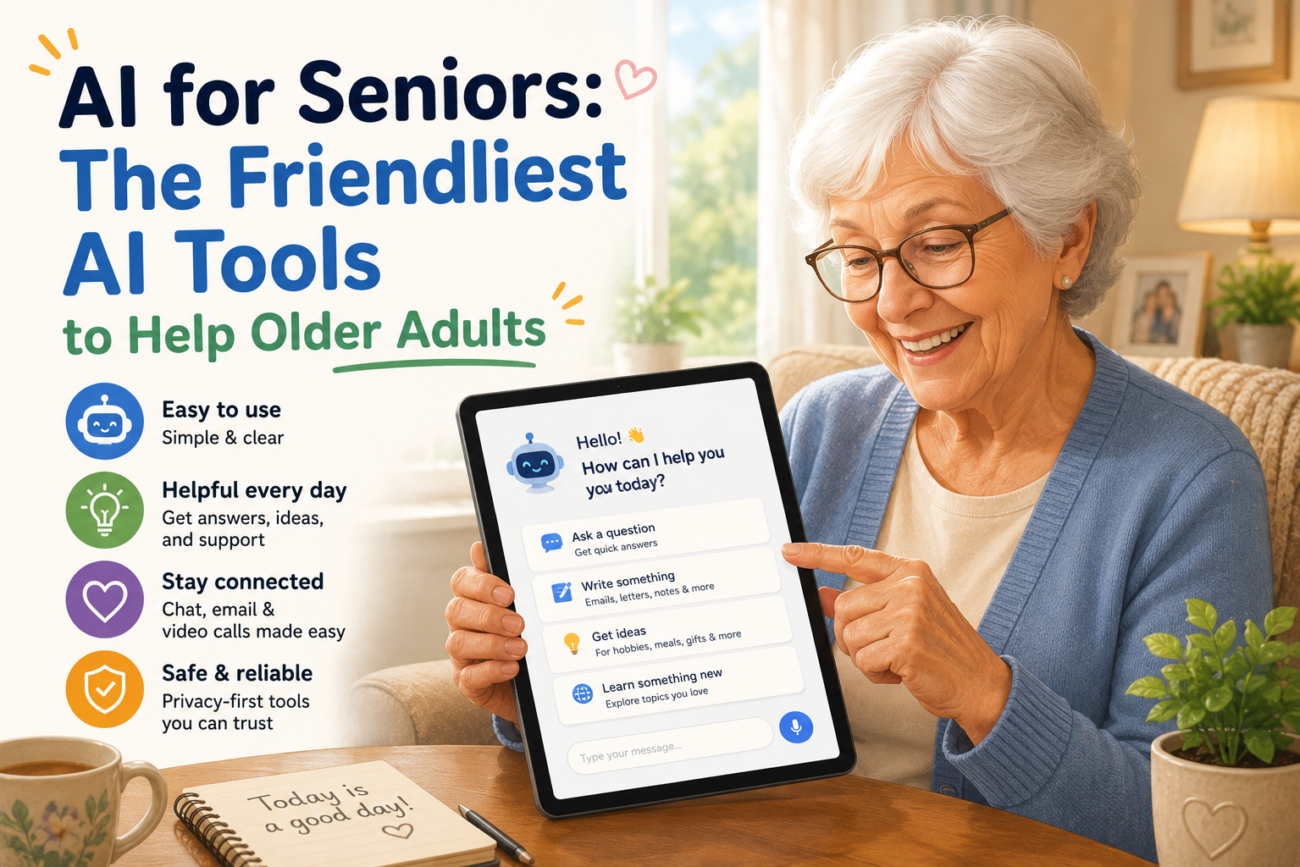
AI tools have quietly become some of the most useful technology available to older adults — but most of the coverage focuses on tech-savvy users, not seniors who just want a little help with everyday life. This guide cuts through the noise. Here are the friendliest AI for seniors options available right now, what each one is good for, and how to get started without feeling overwhelmed.
Why AI Tools Are Particularly Useful for Older Adults
For seniors, the appeal of AI isn’t about being on the cutting edge — it’s about practical help. AI tools can read text aloud, write letters and emails, answer health questions in plain language, help with memory and reminders, and provide companionship during long days at home. Many of these tasks previously required asking a family member or hiring help. Now they can be handled independently, which matters enormously for confidence and quality of life.
The key is finding tools that are genuinely simple to use. Many AI products are designed for professionals or tech enthusiasts. The ones listed here are chosen specifically because they work well for older adults with little or no technology background.
The Best AI Tools for Seniors in 2026
1. Claude (Anthropic) — Best for conversation and questions
Claude is one of the most patient and clearly-written AI assistants available. It explains things in plain English without jargon, doesn’t talk down to users, and handles open-ended questions well. Seniors find it particularly useful for getting health information explained simply, drafting letters to family members or organisations, and asking questions they feel embarrassed to ask someone else. It’s free to use and works entirely in a web browser — no app download required.
2. ChatGPT (OpenAI) — Best for everyday writing help
ChatGPT is the most widely known AI tool and remains one of the most capable for everyday writing tasks. It can help seniors write birthday messages, complaint letters, emails to doctors, or replies to confusing official correspondence. The free version is more than enough for most uses. The interface is straightforward: type a question or request, read the answer.
3. Google Gemini — Best for seniors already using Google
If a senior already uses Gmail or Google Search, Google Gemini is the smoothest entry point into AI. It integrates directly with Gmail and Google Docs, meaning help is available right where they already work. It can summarise long emails, suggest replies, and answer questions without requiring a separate app or account.
4. Amazon Alexa — Best for voice-first interaction
For seniors who struggle with typing, Amazon Alexa is the most accessible AI for seniors option. It responds to voice commands, requires no screen interaction for basic tasks, and can set medication reminders, read the news, control smart home devices, and make phone calls. Echo Dot devices start at under $30 and are easy to set up with family help.
5. Apple Siri — Best for iPhone users
For older adults who already have an iPhone, Siri is the most frictionless AI available to them. It requires no new accounts or downloads, responds to voice, and can send messages, set reminders, make calls, and answer basic questions. It’s not the most powerful AI tool, but for seniors already comfortable with their iPhone, it’s the lowest-barrier starting point.
What Can AI Actually Help Seniors With?
The practical use cases for AI for seniors are wider than most people realise:
- Writing and communication — Drafting emails, letters, cards, and replies to official correspondence that can feel overwhelming.
- Health information — Getting plain-English explanations of medical terms, medication interactions, or doctors’ instructions (always with the reminder to verify with a professional).
- Memory support — Setting reminders for medications, appointments, birthdays, and daily tasks via voice assistants like Alexa or Siri.
- Companionship — Having someone to talk to, ask questions of, or share thoughts with — particularly valuable for seniors living alone.
- Technology helps — Asking the AI how to do something on a phone or computer instead of waiting for a family member to visit.
- Reading assistance — Using AI to summarise long documents, news articles, or official letters into shorter, clearer language.
Tips for Getting Started With AI as a Senior
Starting slowly is the single most important piece of advice for seniors exploring AI tools. Here’s a simple approach that works:
- Pick one tool and one task. Don’t try five different AI tools at once. Choose Claude or ChatGPT, and use it only for one thing — such as writing emails — for the first two weeks.
- Type naturally. AI tools don’t require special commands or precise language. Write to them the way you’d write a note to a friend.
- Double-check important information. AI tools are helpful but not infallible, especially for health or legal matters. Always verify important information with a professional.
- Ask for simpler explanations. If an answer is confusing, just type “Can you explain that more simply?” The AI will rephrase it.
- There’s no wrong question. AI tools don’t judge. Seniors can ask anything — including questions they’d feel self-conscious about asking a person.
Are AI Tools Safe for Seniors to Use?
For general use — writing, questions, reminders — AI tools are safe and straightforward. A few sensible precautions apply:
- Never share passwords, bank details, or government ID numbers with an AI tool.
- Be aware that free AI tools may store conversations. Check the privacy settings of any tool you use.
- Treat AI health information as a starting point, not a diagnosis. Always confirm medical questions with a doctor.
- Be cautious of AI tools promoted through unsolicited emails or pop-up ads — stick to the well-known platforms listed above.
Frequently Asked Questions
What is the easiest AI tool for seniors to use?
Amazon Alexa is the easiest for seniors who prefer voice interaction, since it requires no typing or screen use. For seniors comfortable with a keyboard, Claude is the most conversational and clearly written AI assistant available.
Is AI for seniors free?
Yes — all of the tools listed here have free versions that are more than sufficient for everyday use. Claude, ChatGPT, and Google Gemini are all free to use in a web browser. Amazon Alexa requires purchasing an Echo device (from around $30), but has no ongoing subscription for basic features.
Can AI tools help seniors with loneliness?
They can provide a form of companionship — someone to talk to, ask questions of, and share thoughts with at any time of day. While AI is not a replacement for human connection, many older adults find it genuinely helpful for reducing isolation, particularly those who live alone or have limited mobility.
Do seniors need to be good at technology to use AI?
No. The tools recommended here are specifically chosen because they require minimal technical knowledge. If you can type a question or speak out loud, you can use these tools. Many seniors with no prior experience with technology find AI assistants easier to use than smartphones or computers.
How do I help an elderly parent get started with AI?
Set it up together in person if possible. Create an account, show them one simple task they’d find genuinely useful (like writing a birthday message), and let them practice with you present. Leave written notes with simple instructions. A single positive first experience makes a bigger difference than any amount of explanation.
AI for seniors doesn’t need to be complicated. The best tools meet older adults where they are — responding to plain language, explaining things clearly, and helping with the small everyday tasks that add up to a better quality of life. Start with one tool, one task, and give it a week. The learning curve is shorter than most people expect.
