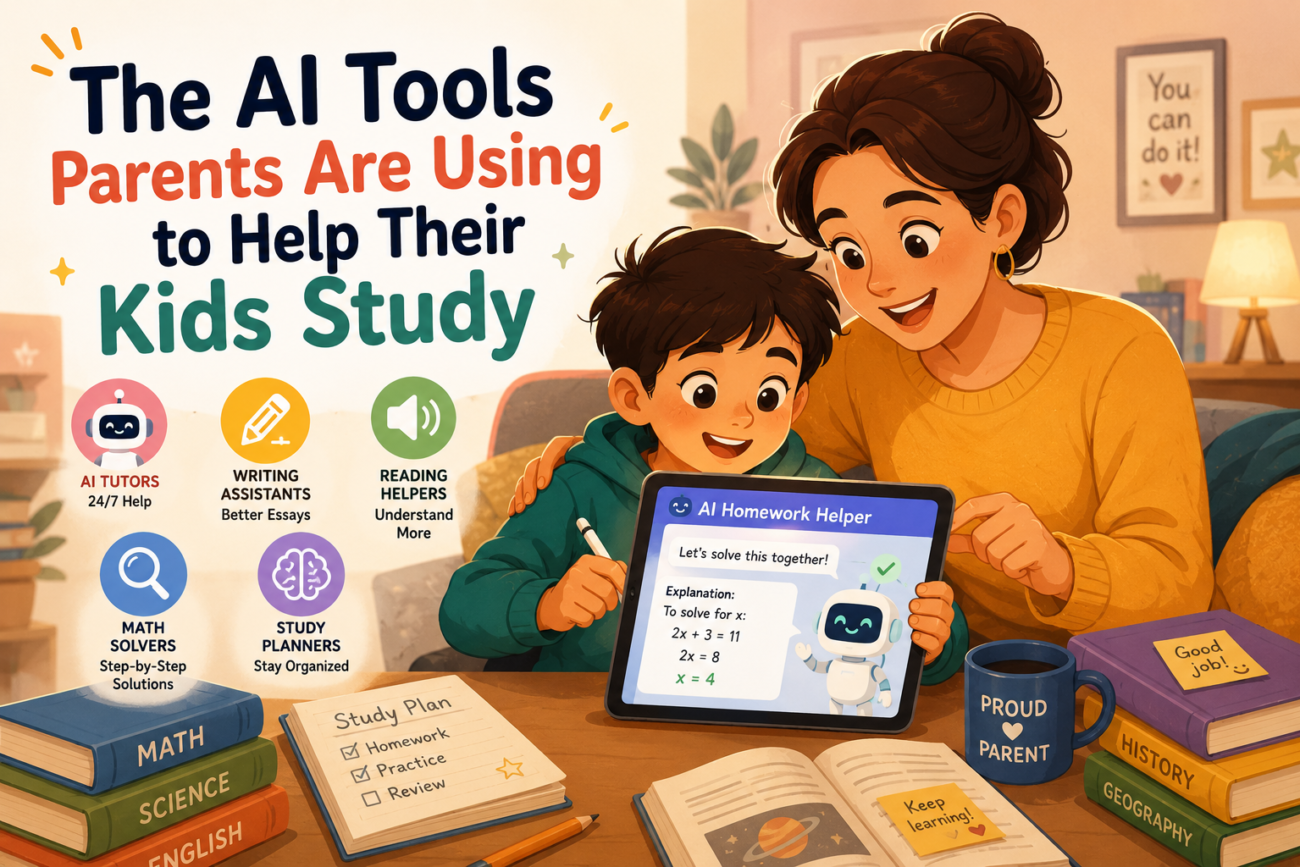
Homework help used to mean either knowing the material yourself or hiring a tutor. In 2026, a third option has become genuinely useful: AI tools that explain concepts patiently, generate practice problems, and help kids study more independently. Here are the specific AI tools parents are using to help kids study — what each one does well, where it falls short, and how to use it safely.
Why Parents Are Turning to AI for Homework Help
The appeal is straightforward: kids get stuck on homework at 8 pm, parents don’t always remember (or never learned) the material, and tutors are expensive and need booking. AI tools fill that gap — available instantly, infinitely patient, and able to explain the same concept five different ways until it clicks.
The tools below are organised by what they’re actually good for, because no single AI tool handles every subject and age group equally well.
1. ChatGPT — Best All-Around Homework Helper
ChatGPT remains the most versatile option for general homework help across subjects. Parents use it most for explaining concepts the textbook didn’t make clear, checking whether an answer is correct before submission, and generating extra practice problems on a specific topic.
What it does well: Explains maths, science, history, and English concepts clearly across all grade levels. Can adjust explanations to a specific age — ask it to “explain photosynthesis like I’m explaining it to a 9-year-old” and it adapts immediately.
Where it falls short: Can make factual errors, particularly with very specific dates, statistics, or niche historical details. Our guide on AI hallucinations explains why this happens and how to spot it. For graded assignments, verify before submitting.
Best for: Ages 10+ who can read AI explanations independently, or younger children with a parent reading alongside them.
2. Khanmigo (Khan Academy) — Best for Guided Learning Without Giving Answers
Khanmigo is Khan Academy’s AI tutor, specifically designed for education rather than adapted from a general-purpose chatbot. Its key difference: it’s built to guide students toward answers through Socratic questioning rather than simply providing them.
What it does well: Refuses to just give homework answers — instead asks guiding questions that help the student work through the problem themselves. This makes it genuinely better for learning than tools that just hand over solutions. Integrates directly with Khan Academy’s existing curriculum and practice exercises.
Where it falls short: Requires a paid Khan Academy subscription for full access. The guided approach, while pedagogically sound, can frustrate kids who just want a quick answer for a single tricky problem.
Best for: Parents who specifically want a tool that teaches rather than just answers — particularly strong for maths from elementary through high school level.
3. Claude — Best for Essay Feedback and Writing Help
Claude is particularly strong for older kids and teens working on essays, reports, and longer writing assignments. It gives detailed, specific feedback on structure and argument without simply rewriting the work, which matters both for genuine learning and for academic integrity.
What it does well: Handles long documents well, gives nuanced feedback on essay structure and argument quality, and can be explicitly instructed to give feedback only rather than rewriting content. For the right prompts to use, see our guide on how to use AI to improve essay writing without having AI write it.
Where it falls short: Like all general AI tools, it will write the essay if asked directly — so the safeguard has to come from how it’s used, not the tool itself.
Best for: Middle and high school students working on essays, reports, and research papers.
4. Quizlet AI — Best for Turning Notes Into Study Materials
Quizlet’s AI feature, Magic Notes, lets kids paste in class notes or textbook pages and automatically generates flashcards and study sets. It’s one of the most popular tools among middle and high schoolers, specifically because it removes the tedious part of studying — making the flashcards — and lets them focus on actually reviewing.
What it does well: Extremely fast flashcard generation from existing notes. Built-in study games make review less tedious for younger students. Works well across nearly every subject that involves memorisation — vocabulary, historical dates, science terms, foreign languages.
Where it falls short: The best AI features require a paid Quizlet Plus subscription. Auto-generated cards can be shallow on complex topics. For a detailed comparison with alternatives, see our guide on Quizlet AI vs Anki vs ChatGPT for flashcard creation.
Best for: Students of any age studying for tests involving memorisation — vocabulary quizzes, history dates, science terminology.
5. Photomath — Best for Step-by-Step Maths Help
Photomath lets kids photograph a maths problem and instantly see a step-by-step solution. It’s specifically built for maths, which makes it more reliable for that subject than general-purpose AI tools.
What it does well: Works from a photo — no typing equations required, which is a significant convenience for maths notation. Shows full working, not just the answer, which helps kids understand the process. Covers everything from basic arithmetic through calculus.
Where it falls short: Limited to maths only. Can be used to simply copy answers without engaging with the working if a child isn’t supervised, which defeats the purpose.
Best for: Any age struggling with maths homework, particularly when a parent isn’t confident helping with the specific topic themselves.
6. Google Gemini — Best for Families Already Using Google Workspace
For families using Google Classroom, Gmail, and Google Docs for school, Gemini integrates directly into tools kids are already using. It can help draft and revise documents directly inside Google Docs, summarise long reading assignments, and answer questions without switching to a separate app.
What it does well: Seamless integration with Google Docs and Classroom — no new account or app needed if the school already uses Google Workspace for Education.
Where it falls short: Less specialised for education specifically than Khanmigo; more comparable to ChatGPT in capability and limitations.
Best for: Families in school districts that already use Google Workspace for Education.
How to Use These Tools Without Kids Becoming Dependent on Them
The concern most parents have isn’t whether these tools work — it’s whether kids will use them to avoid learning rather than to learn faster. A few practical guidelines that work:
- Set the rule: explanation first, answer never. Tools like Khanmigo enforce this automatically. For general tools like ChatGPT, explicitly tell your child to ask “explain this concept” rather than “what’s the answer to question 4.”
- Use AI after a genuine attempt, not instead of one. The learning happens in the struggle. AI works best as a tool for when a kid is genuinely stuck after trying, not as the first move.
- Review what your child actually submits. Particularly for essays and written work, spot-check that the language and ideas genuinely reflect your child’s own understanding.
- Talk to teachers about AI policy. Schools have widely varying rules on AI use for homework — some encourage it for practice, others prohibit it entirely for graded work. Know the specific policy before assuming a tool is fine to use.
- Treat AI explanations as a starting point, not gospel. AI tools can be confidently wrong, especially on specific facts and figures. Encourage kids to verify anything that seems off with a teacher or textbook.
Age-by-Age Guidance
- Elementary (ages 6–10): Use AI tools alongside a parent rather than independently. Photomath and simple ChatGPT explanations work well with supervision. Avoid leaving young children to use open-ended AI chat unsupervised.
- Middle school (ages 11–13): Quizlet AI and Khanmigo are particularly well-suited here — structured, education-specific tools with built-in guardrails work better than open-ended chat at this age.
- High school (ages 14–18): ChatGPT and Claude become genuinely useful for essay feedback, exam preparation, and complex subject explanations. This is also the age to have direct conversations about academic integrity and appropriate AI use for graded work.

Frequently Asked Questions
What AI tools are parents using most to help kids study?
ChatGPT remains the most widely used general-purpose tool, while Khanmigo and Quizlet AI are popular education-specific alternatives. Photomath is the most commonly used for maths specifically. Most parents use a combination depending on the subject and their child’s age.
Is it cheating if my child uses AI for homework?
It depends entirely on how it’s used and what the school’s specific policy says. Using AI to understand a concept or check work is generally considered acceptable; using AI to generate answers or essays submitted as the student’s own work typically is not. Policies vary significantly between schools — always check directly.
Are these AI tools safe for kids to use?
Generally, yes for the tools listed here, with age-appropriate supervision. Education-specific tools like Khanmigo have additional safety guardrails built in. For general tools like ChatGPT, supervise younger children and ensure your child knows never to share personal information. Our guide on things you should never put into a free AI tool is a useful conversation starter with older kids.
Which AI tool is best for younger kids specifically?
Photomath for maths and Khanmigo for guided learning across subjects are best suited to younger children because of their structured, education-focused design. General chatbots like ChatGPT work better with direct parental supervision for younger kids.
Do I need to pay for these AI tools?
Many have functional free tiers. ChatGPT, Claude, and Gemini all offer capable free versions. Khanmigo and the best Quizlet AI features require paid subscriptions. Photomath has a free tier with paid upgrades for full step-by-step explanations on every problem type.
How do I know if my child is using AI to actually learn versus just getting answers?
Ask them to explain the concept back to you in their own words after using the tool. If they can explain it without referring back to the AI’s answer, genuine learning has happened. If they can only repeat what the AI said without understanding it, that’s a sign to adjust how the tool is being used — more explanation-seeking, less answer-seeking.
The AI tools parents are using to help kids study aren’t a replacement for actually understanding the material — used well, they’re a way to get unstuck faster and build genuine understanding instead of frustration. The families getting the most value treat AI as a patient tutor available at homework time, not a shortcut around doing the work.
