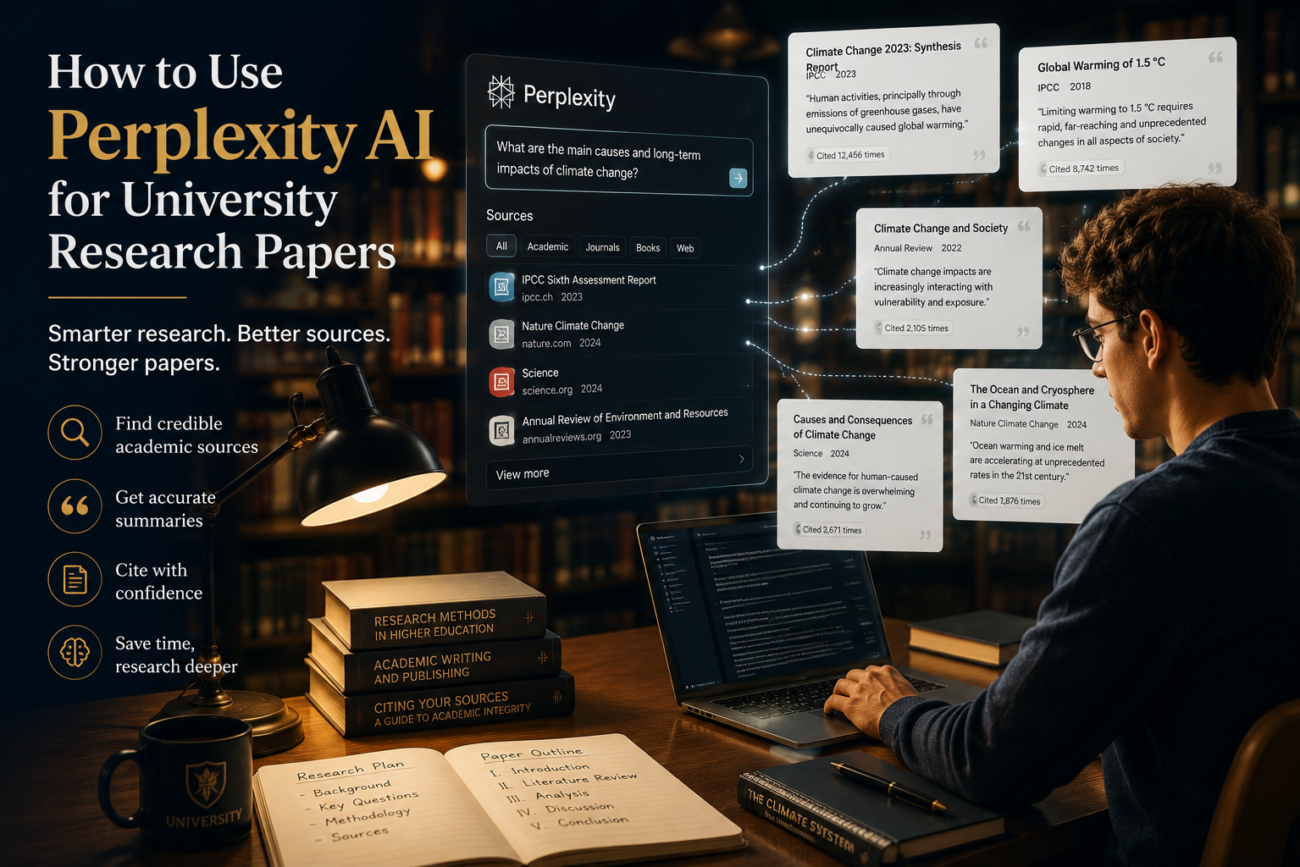
Most students who try to use Perplexity AI for university research papers get mediocre results because they use it like a search engine — typing a broad topic and expecting a ready-made answer. Perplexity is actually something much more useful: a research assistant that finds real sources, cites them inline, and lets you drill into specific claims through follow-up questions. Here’s the complete workflow for using it effectively at the university level, from initial literature search to final citation check.
Why Perplexity AI Works Differently From ChatGPT for Research
The key difference between Perplexity AI and tools like ChatGPT for academic research is sourcing. ChatGPT generates responses from training data without real-time source retrieval — which means it can confidently state facts that don’t exist, and can’t tell you where to verify what it says. Perplexity searches the web in real time and cites its sources inline with every claim, making it far more useful as a research starting point and fact-checking tool.
For university research specifically, this matters enormously. You need sources you can actually cite — not plausible-sounding summaries with no traceable origin. Perplexity gives you the source; you verify and cite it directly. Our guide on AI hallucinations covers exactly why ChatGPT’s unverifiable outputs are risky for academic work.
Step 1: Use Perplexity to Map Your Research Landscape
The best place to start with any research paper is understanding what territory already exists on your topic — what the main debates are, which scholars are most cited, and where the gaps in existing literature lie. Perplexity does this faster than any database search.
Research mapping prompt:
“Give me an overview of the current academic debate around [your topic]. What are the main positions, who are the key scholars associated with each, and what are the most significant unresolved questions in the literature? Cite sources for each claim.”
The output gives you a map of the field — with source links you can follow directly to journal articles, reports, or academic books. This is your starting point for a literature review, not your finished version of it.
Step 2: Use Academic Focus Mode for Peer-Reviewed Sources
Standard Perplexity searches pull from across the web. For university research, you need peer-reviewed sources. Switch to Academic mode in Perplexity (available in the search settings) to prioritise results from academic databases, including Semantic Scholar, PubMed, and arXiv.
Academic mode prompt structure:
“[Academic mode] What does recent peer-reviewed research say about [specific claim or topic]? I need sources published after 2020 for a university literature review.”
Always specify a date range. Academic fields move fast, and a 2015 study may have been substantially revised or challenged by newer research. Perplexity’s academic mode surfaces more recent work than a general search.
Step 3: Build Your Literature Review With Follow-Up Chains
One of Perplexity’s most powerful features for university research is conversational follow-up — each question builds on the context of the last, letting you drill progressively deeper into a topic without starting over.
Here’s an example follow-up chain for a paper on AI bias in hiring:
- “What are the main documented examples of AI bias in hiring algorithms?”
- “Which of those examples involved natural language processing specifically?”
- “What remedies have researchers proposed for NLP bias in recruitment, and which have been empirically tested?”
- “Are there peer-reviewed studies comparing the effectiveness of those remedies?”
Each answer narrows the scope and points to more specific sources. By question four, you have a focused trail of relevant literature — a process that would take hours of manual database searching compressed into minutes.
Step 4: Verify Every Source Before Citing It
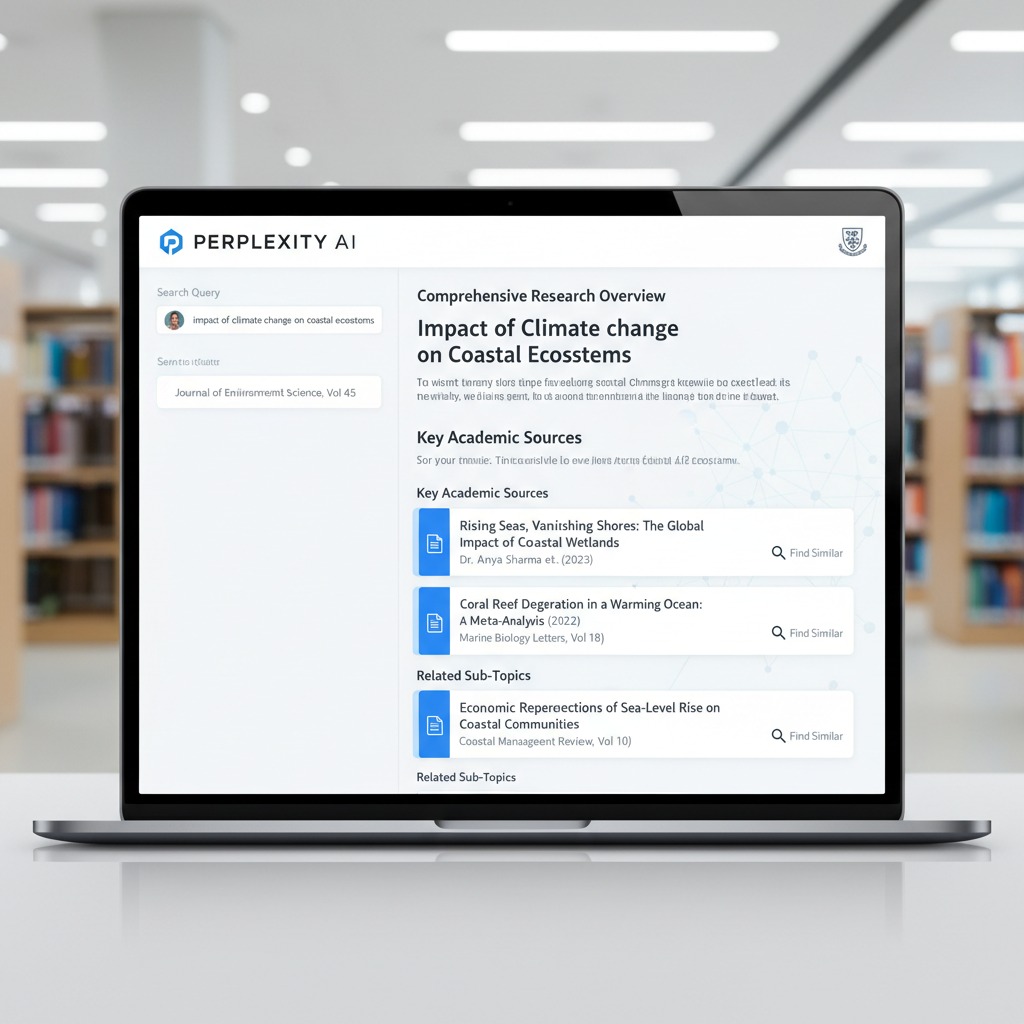
This step is non-negotiable for university work. Perplexity cites sources inline, but you must verify each one before including it in your paper. Here’s why: Perplexity occasionally misattributes claims, links to secondary sources that misrepresent the original, or surfaces sources that are behind paywalls and may differ from what’s summarised.
For each source, Perplexity gives you:
- Click the citation link and confirm the source is real and accessible
- Check that the claim Perplexity attributed to it is actually what the source says — not a paraphrase that subtly shifts the meaning
- Note the publication date, journal name, and authors for your reference list
- If the full text is behind a paywall, search for it through your university library’s database access — most universities have subscriptions that make paywalled articles accessible through the library portal
For tips on the comprehensive research and verification workflow, our guide on how to use AI to research and fact-check content covers the same principles in detail.
Step 5: Use Perplexity to Find Counterarguments and Opposing Views
Strong university papers engage with opposing evidence — and finding credible counterarguments is one of the most time-consuming parts of research. Perplexity speeds this up significantly.
Counterargument prompt:
“I’m arguing that [your thesis] in a university research paper. What is the strongest evidence or scholarly argument against this position? Who are the main critics, and what do they claim? Cite sources.”
This gives you the opposing literature to engage with rather than ignore — which is exactly what markers at university level are looking for. A paper that acknowledges and responds to counterevidence is consistently graded higher than one that doesn’t.
Step 6: Use Perplexity to Check Your Own Claims
Once you’ve drafted sections of your paper, use Perplexity as a fact-checker for your own writing before submission.
Self-fact-check prompt:
“I’ve written the following claim in my research paper: ‘[paste your claim with any statistic or attribution]’. Is this accurate? Does it match what the cited source actually says? Are there more recent studies that would update or challenge this claim?”
This catches the errors that are easy to introduce during drafting — slightly misremembered statistics, outdated data presented as current, or claims that drifted from their original source through multiple restatements.
Step 7: Generate Your Bibliography Starting Point
Perplexity can generate formatted citations for sources it’s found — useful as a starting point, but always verify and reformat against your institution’s specific style guide.
Citation prompt:
“Format the following sources in [APA 7th / Harvard / MLA 9th] citation style: [paste source titles, authors, and URLs]. Flag any information that’s missing and that I’ll need to find from the original source.”
Always cross-check the output against your style guide or a tool like Cite This For Me. AI-generated citations frequently contain minor formatting errors — a wrong punctuation position, a missing edition number — that would lose marks on a bibliography.
What Perplexity Can’t Do for University Research
Being clear about limitations is as important as knowing the strengths:
- It can’t access your university’s subscription databases directly. Perplexity finds publicly accessible sources. For paywalled journal articles, you still need to go through your library’s portal.
- It can’t read sources it can’t access. If a source is behind a paywall or requires a login, Perplexity may summarise it from an abstract or secondary account, which can be misleading. Always access the full text yourself.
- It can still hallucinate on niche topics. The more obscure your research area, the more carefully you need to verify claims, since training and index coverage are thinner on specialist topics.
- It shouldn’t write your analysis. Perplexity finds and summarises sources. The interpretation, argument, and synthesis are your intellectual contribution to the paper — that’s what university research actually assesses.
Frequently Asked Questions
Is it academically acceptable to use Perplexity AI for university research?
Using Perplexity to find and verify sources is generally acceptable — it’s a research tool, similar to using Google Scholar or a library database. What matters is that you cite the original sources, not Perplexity itself, and that the analysis and writing in your paper are your own. Check your institution’s specific AI policy for any restrictions on research tools.
How is Perplexity AI different from Google Scholar for research?
Google Scholar searches academic databases and returns links to papers with minimal context. Perplexity searches across a broader range of sources, summarises findings with inline citations, and allows conversational follow-up questions that narrow your research progressively. For building a literature map quickly, Perplexity is faster. For finding specific peer-reviewed papers to read in full, Google Scholar and your library database remain essential.
Can I cite Perplexity AI as a source in my university paper?
No — cite the original sources that Perplexity found for you, not Perplexity itself. Click through to the actual article, journal, or report and cite that directly. Citing an AI tool as a source would not be accepted in academic writing and misrepresents where the information actually comes from.
What if Perplexity gives me a source I can’t access?
Search for it through your university library’s database portal — most universities have subscriptions that provide access to major journal databases, and librarians can often help you access specific articles that aren’t immediately available. Don’t cite a source you haven’t actually read, regardless of how Perplexity summarises it.
How accurate is Perplexity AI for academic research?
More accurate than general-purpose AI tools for factual claims, because it retrieves and cites real sources rather than generating from training data. However, it’s not infallible — it can misattribute claims, link to secondary sources, or occasionally surface outdated information. Every source needs to be verified directly before it appears in your paper.
Can Perplexity help with systematic literature reviews?
It can help map the literature and identify key sources, but formal systematic reviews require documented search strategies using specific databases (like PubMed, JSTOR, or Web of Science) with reproducible search terms. Perplexity doesn’t provide the kind of search audit trail that systematic reviews require. Use it for exploratory research and source discovery, then conduct your formal searches through appropriate databases.
Using Perplexity AI for university research papers works best when you treat it as a research assistant that finds sources and surfaces literature — not as a source itself. The thinking, the argument, the synthesis, and the critical analysis are yours. Perplexity just helps you find the raw material faster, with verifiable links you can actually follow.
