It was a chilly November afternoon, and I was huddled in a coffee shop, laptop open, shivering slightly under the weight of a looming deadline. The aroma of freshly brewed coffee mingled with the faint scent of cinnamon from the pastries behind the counter. My heart raced as I stared at a blank email template, ready to send out a communication to parents about the upcoming parent-teacher conferences. I could feel the sweat on my brow. How was I supposed to make this sound engaging? I wanted them to care, but I had no idea how to convey the excitement of our learning journey without sounding like I was reading off a script.
This was my moment of clarity. I realized I needed a new approach. I mean, who wouldn’t want their parents to be engaged and informed? But it often felt like I was sending messages into a black hole. Did anyone really read them? Did they even care about the reading assignment of the week? Spoiler: they didn’t. And that’s where AI swooped in to save the day.
My AI Awakening
If you are new to using AI for school communication, the same approach works for writing better report card comments too — it is all about giving the AI the right context.
Now, I wasn’t an early adopter of technology. Nope. I scoffed at the idea of using AI tools like ChatGPT for something as straightforward as parent communication. I mean, it felt a bit like asking a robot to help me decide what to wear. But when I saw my colleague Lisa effortlessly crafting vibrant, inviting updates using AI, I had to know more. I was intrigued, but let’s be real—I was also skeptical.
So, I thought, why not give it a shot? The worst that could happen was I’d create an even more boring email, right? I logged into ChatGPT, and took a deep breath.
First Impressions: Not So Glamorous
My first attempt at using AI for parent communication? A total disaster. I typed in a prompt that said, “Write a parent email about upcoming conferences.” The output was so formal it felt like I was addressing a boardroom full of corporate executives rather than the parents of my students.
It started off with, “Dear Esteemed Parents,” and I thought, who talks like this? I quickly realized that I had inputted no personal touch, no real flair. It was just a robotic message that could have been sent to anyone, anywhere. I decided to switch my strategy.
Finding My Voice
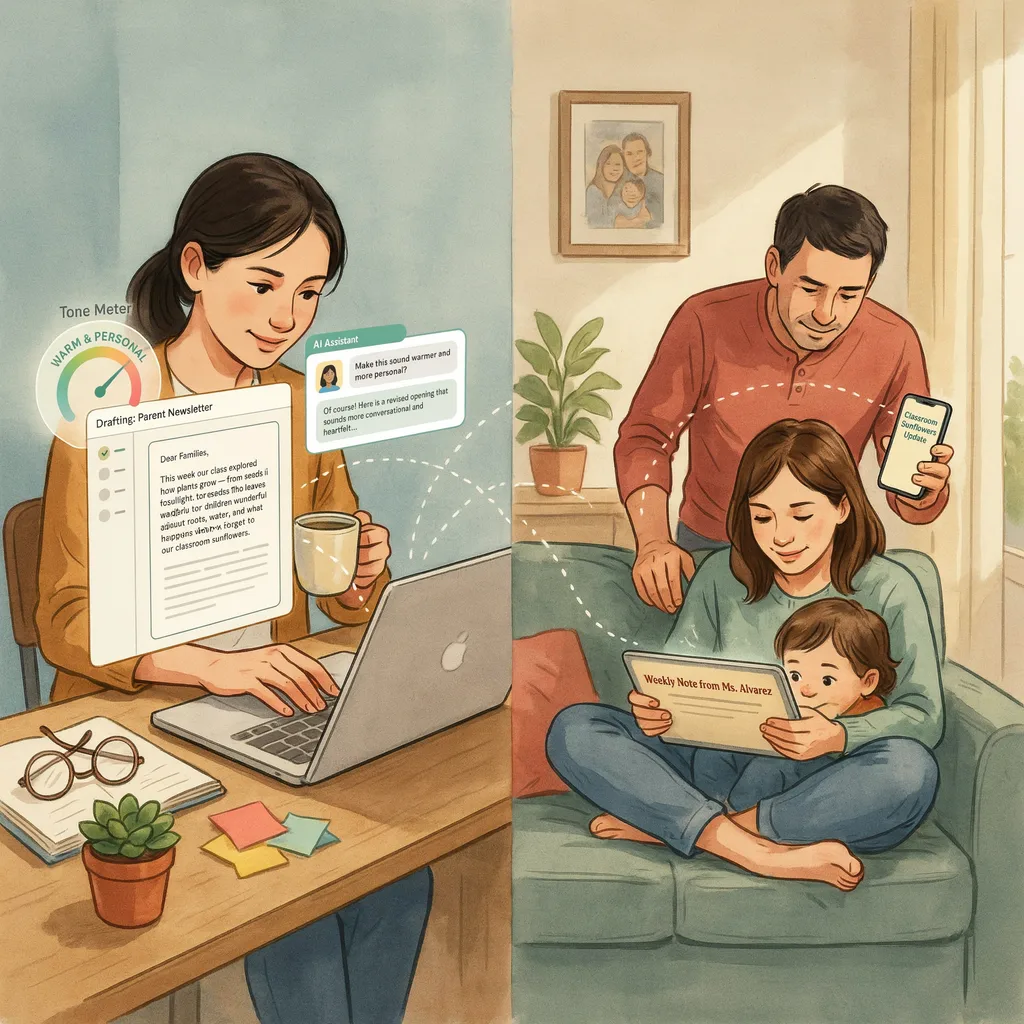
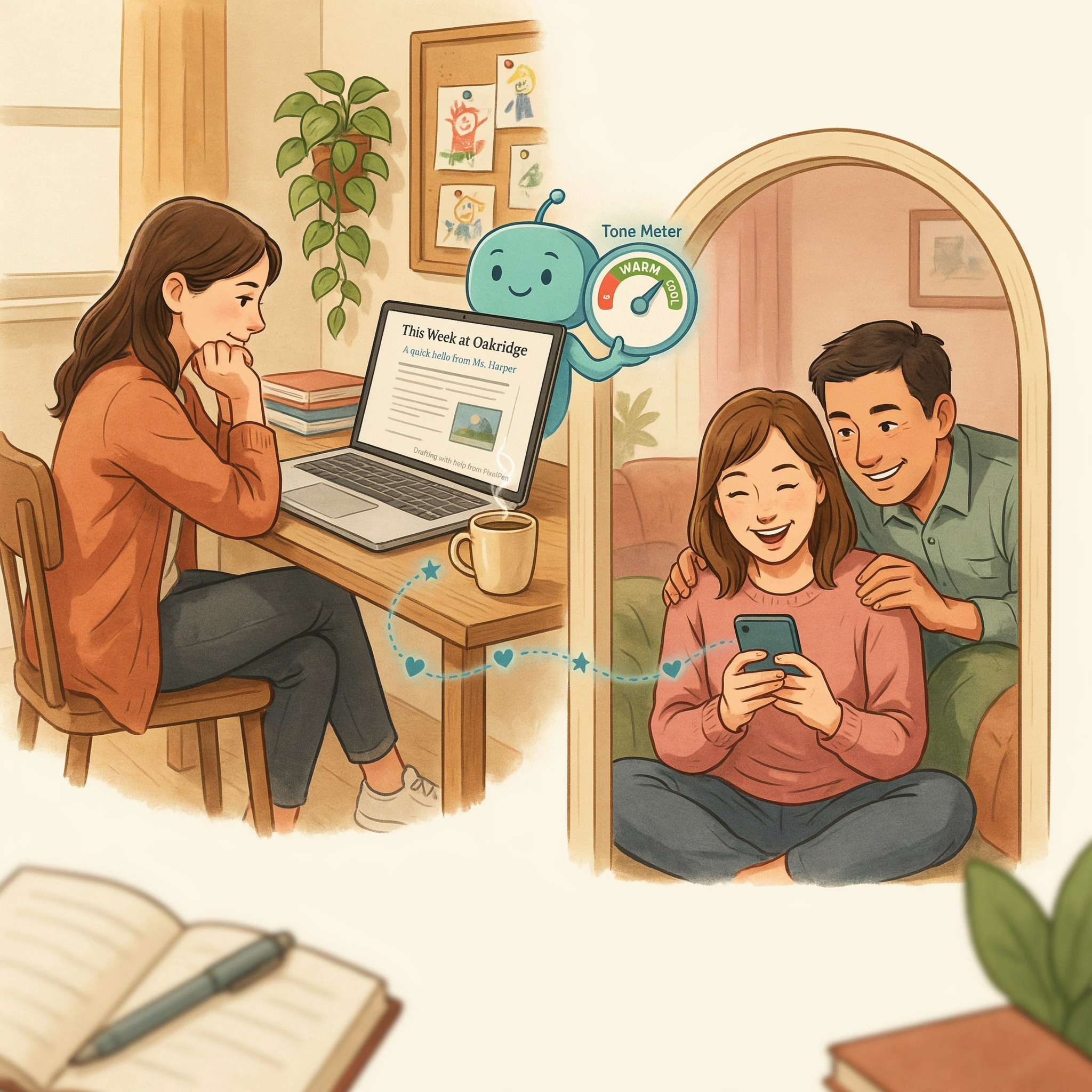
I took a step back and thought about what appealed to me as a parent. I needed to add warmth. I wanted excitement. I wanted to avoid jargon and instead create something that expressed our classroom energy. So, I went in again. I wrote out my thoughts and goals for the conferences. I asked ChatGPT to help me craft a message that reflected my enthusiasm and set a lighthearted yet respectful tone.
“Hey there, amazing parents! I’m so excited for our upcoming conferences and can’t wait to share our adventures in learning!”
That felt more like it! I tweaked the AI’s draft, added a dash of my personality, and voilà. I sent it off, crossing my fingers.
The Results: A Surprising Response
The response was incredible. I received a flurry of replies—parents asking questions, sharing their excitement, and some even thanking me for the updates. I hadn’t seen that kind of engagement before! Honestly, it was a game-changer. The emails I once dreaded now felt like a fun way to connect.
Scaling Up: Weekly Updates
Parent communication is just one area where AI saves time. See 10 Ways Teachers Can Use AI Tools to Save 5+ Hours Per Week for more time-saving strategies.
Now that I had the hang of it, I began using AI for more than just the occasional email. I started drafting weekly newsletters. I found that by inputting key points of what we did in class—like “We created dioramas of the solar system”—and asking the AI to develop a fun narrative around it, I could crank out engaging updates in no time.
Before AI, I’d spend hours crafting something coherent. Now? I could whip it up in 20 minutes or less. My productivity soared, freeing me up to focus on the fun stuff—like planning engaging lessons and actually connecting with the kids.
What I Learned: The Power of Personalization
One thing I realized through this process was that AI is just a tool. It’s not magic. It’s a way to enhance what you’re already doing. By adding my personal touch to the AI-generated messages, I managed to create something that resonated with the parents. They could feel my enthusiasm, and that made all the difference.
FAQ: Real Questions, Real Answers
1. Is using AI for parent communication worth it?
Absolutely! It saves you time and can help you communicate more effectively.
2. Do parents actually respond to AI-generated messages?
Yes! When you mix AI with your personal touch, they can feel the engagement.
3. Can I trust AI to write important messages?
It’s best to use it as a starting point. Always add your voice to ensure authenticity.
4. How do I make sure my emails don’t sound robotic?
Infuse your personality into the AI’s drafts! Use casual language and a friendly tone.
5. What should I ask AI to write about?
Try asking it to summarize class activities, share learning goals, or even outline upcoming events!
6. Is it hard to learn how to use AI?
Not at all! It’s quite user-friendly. Just play around and see what works for you.
Wrapping It Up
Using AI for parent communication transformed my approach. What used to feel like a chore became an enjoyable part of my week. Reflecting on this journey, I can’t help but chuckle at how reluctant I was to embrace technology. Sure, it’s not perfect, and I still have my days where I feel like a hamster on a wheel, but now I have a powerful ally in AI that helps me engage parents in meaningful ways.
So, if you’re a teacher, or just someone who communicates with parents, why not give AI a shot? You might just find it changes the way you connect with your community.
