It was 9 PM on a Thursday. I was sitting in my classroom, the fluorescent lights flickering like they were trying to keep me awake. My coffee, once steaming, was now just a sad little cup of lukewarm regret on my desk. I had a red pen in one hand, a teacher’s edition textbook threatening to slide off my lap, and I was desperately trying to figure out how to make the French Revolution exciting for a group of 14-year-olds, most of whom I could swear hadn’t had a vegetable since last summer. The half-written lesson plan stared back at me, taunting, and I thought, there has to be a better way.
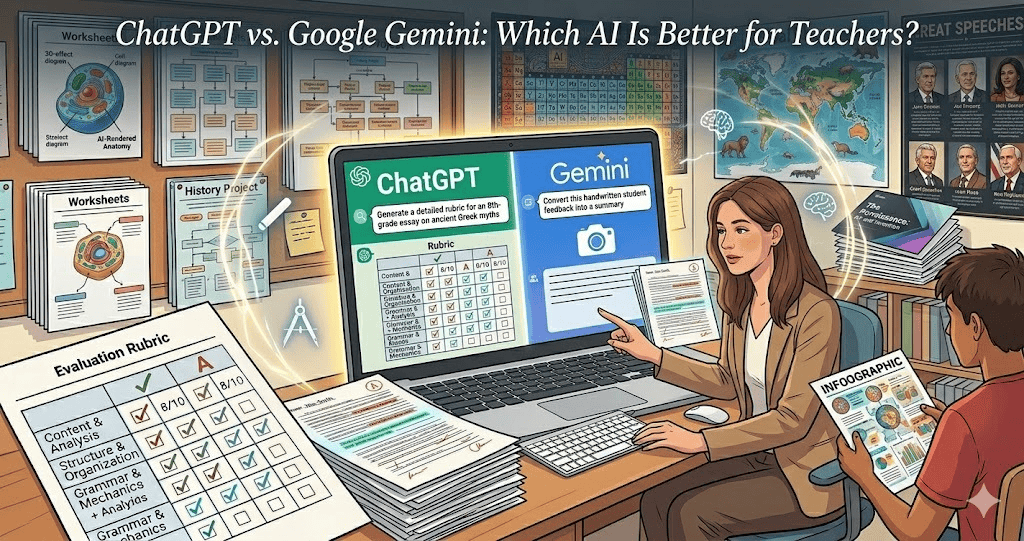
But let me back up. I was never the type to jump on every new tech trend. You remember when everyone thought QR codes would revolutionize education? Yeah, me neither. So when ChatGPT first started making waves, I rolled my eyes. Another tool I don’t have time to learn, right? But then a colleague — let’s call her Sarah — sat me down and said, “Just give it a shot.” I was skeptical. But what did I have to lose besides my sanity?
Here’s the thing nobody tells you about lesson planning: it’s not the teaching that wears you out. It’s the planning. The formatting. The endless tiny decisions about whether to do a think-pair-share or a quick write. Standards alignment? Twice as long as it should take. It all adds up. And guess what? That’s the kind of stuff you can — and should — outsource to a machine.
1. Lesson Planning Made Easy
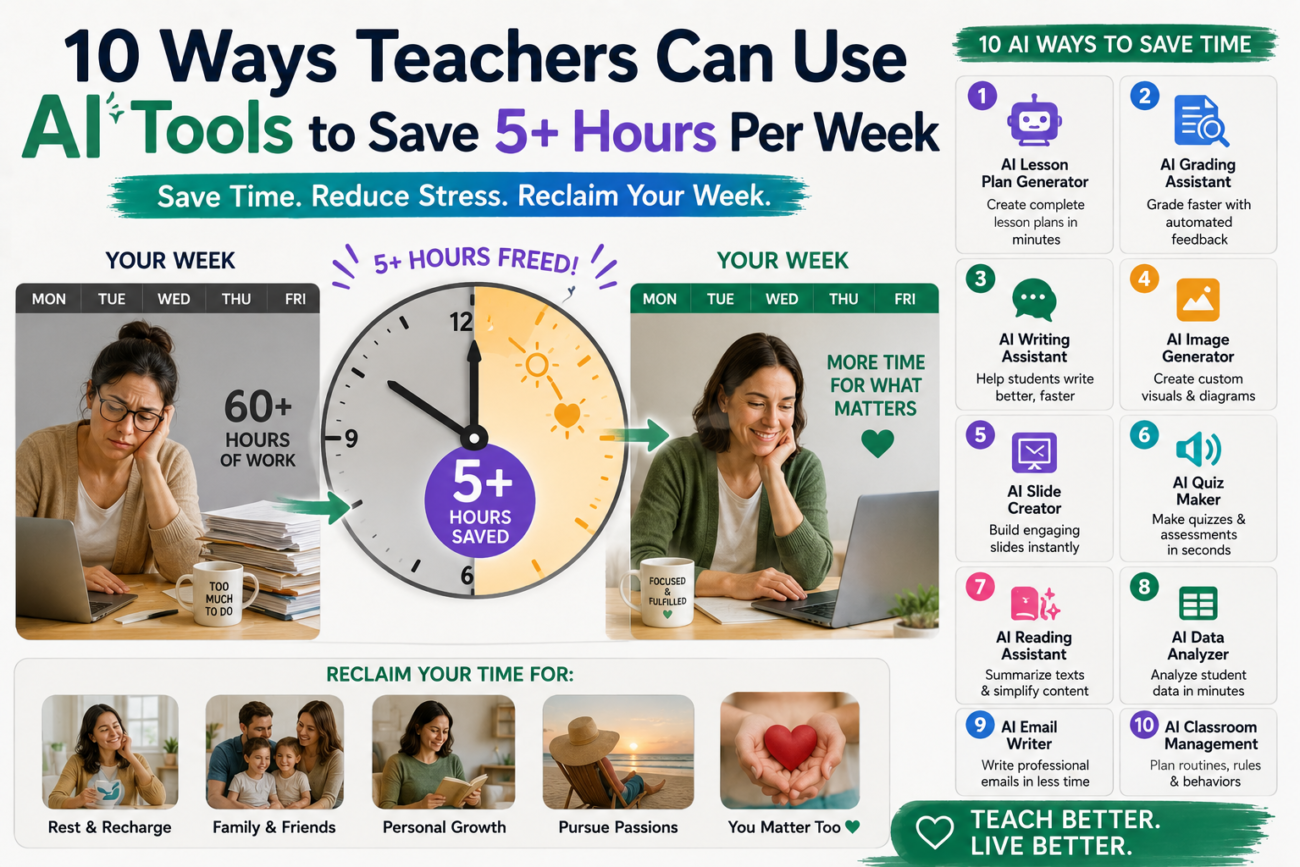
So, I typed, “Create a lesson plan on the French Revolution.” And bam! ChatGPT spat out a structured plan that included learning objectives, activities, and assessment ideas. Sure, it wasn’t perfect. But instead of spending three hours crafting something from scratch, I was down to maybe 30 minutes of tweaking. Talk about a time-saver!
2. Grading Made Simple
I remember the first time I attempted to use AI for grading. I uploaded a set of student essays, and honestly? The AI’s feedback was surprisingly insightful. It identified common mistakes, suggested areas for improvement, and even provided positive notes. The downside? I had to sift through some of its comments. Not all AI feedback is created equal. But I still saved an hour or two that week.
3. Interactive Quizzes
Rather than spending hours creating quizzes, I started using AI tools like Quizlet or Kahoot!. I’d input the topic, and they’d generate engaging quizzes for me, complete with images and questions. You know how kids love competition? They actually looked forward to these quizzes! Plus, I cut my quiz-making time from two hours to about 20 minutes.
4. Personalized Learning Plans
With a class of 30 students at varying levels, differentiating instruction can feel impossible. Enter AI! I’ve started creating personalized learning plans based on student data. I plug in the assessments, and the AI provides tailored recommendations. Sure, I still have to adjust some things, but it’s like having a teaching assistant who knows my students individually and saves me at least three hours each week.
5. Homework Help
I’ve had students texting me late at night, asking for help with homework. It’s exhausting. But now, I point them to AI tools like Socratic or even ChatGPT. They can ask questions and get instant support. I’m not saying it’s a substitute for teaching, but it keeps them engaged and off my phone after 9 PM. Plus, that’s another hour saved!
6. Creating Engaging Presentations
PowerPoint used to eat my weekends. I’d spend hours on design, finding images, and creating content. Now? I use AI tools like Canva’s Magic Write. I type in my topic, and it generates a stylish presentation that’s ready to go. Okay, maybe it’s not a TED Talk level, but it’s 80% there, and I’ll take back that time any day!
7. Parent Communication
You know those newsletters? The ones that should take 30 minutes but somehow become an all-nighter? I started using AI to draft them. I feed it the key points, and it creates a polished newsletter. Then, I just add a personal touch and hit send. From two hours to 15 minutes? Yes, please!
8. Professional Development
Finding time for professional development can feel impossible, right? I discovered AI-generated courses that help me grow my skills without the four-hour lectures. I can choose specific topics, and the AI curates a learning path. Instead of sitting in a workshop feeling like I’m wasting precious time, I enjoy learning on my own schedule, saving me at least three hours each week.
9. Lesson Reflection
After every lesson, I used to jot down notes in a notebook. But now, I use AI to help me reflect. I input key aspects of the lesson, and it suggests ways to improve or adjust. Sometimes it’s like having a mentor on my shoulder, guiding me through the process. This has cut my reflection time by at least half!
10. Building Community
Lastly, I’ve started using AI tools to connect with other teachers and build a community. I’ve utilized platforms that analyze my teaching style and suggest like-minded educators. It’s made collaboration so much easier, and it fosters a sense of belonging. Plus, sharing resources has saved us all tons of time.
FAQ
1. Will AI replace teachers?
Nope! AI is a helpful tool, but it can’t replace the heart and intuition of a good teacher.
2. Is AI easy to use?
Kind of! There’s a learning curve, but once you get the hang of it, it’s pretty intuitive.
3. Can AI create lesson plans for any subject?
Mostly! But it works best when you provide clear prompts and input.
4. What if I don’t have tech-savvy skills?
No worries! Start small, and don’t hesitate to ask a tech-savvy colleague for help.
5. Will I lose my teaching style?
Not at all! The key is to use AI to complement your style, not replace it.
All these AI tools have transformed my weeks. Isn’t it strange? Something I once feared has become my secret weapon. Sure, I still have long nights and frantic grading sessions, but those 5+ hours I save weekly? That’s my new Netflix time. Give these tools a shot. You might just find that there’s a little more time for you in your busy week.
