It was 9 PM on a Thursday. I was sitting in my classroom. Red pen in one hand. A teacher’s edition textbook was threatening to slide off my lap. Trying — really trying — to figure out how I was going to make the French Revolution interesting to a bunch of 14-year-olds. You know what most of them had for lunch? Neither did they. I looked at my half-written lesson plan and thought, this is ridiculous. There has to be a better way.
But let me back up. I was never the type to jump on every new tech trend. Remember when everyone thought QR codes were going to revolutionize education? Yeah, me neither. So when ChatGPT first started making waves, I rolled my eyes. Another tool I do not have time to learn. But then a colleague — let us call her Sarah — sat me down and showed me what she was doing with it. And I have to admit, I was wrong.
Here is the thing nobody tells you about lesson planning: it is not the teaching part that wears you down. It is the planning. The formatting. The endless tiny decisions about whether to do a think-pair-share or a quick write. The standards alignment that takes twice as long as it should. That stuff adds up. And it is absolutely the kind of thing you can — and maybe should — outsource to a machine.
My First Attempt Was a Train Wreck
I am not going to pretend my first AI lesson was good. It was not. It was awful, actually. The language was stiff. The activities were boring. And there was this weird moment where ChatGPT suggested students “reflect on the material in small groups” — which, if you have ever taught middle school, you know is code for “throw paper airplanes at each other for fifteen minutes.”
I almost gave up right there. Honestly? I should have. Because the way I was using it was wrong. I was treating ChatGPT like Google — type in a few keywords, expect magic. That is not how it works. At all.
So I took a step back. I realized I needed to engage more with the tool. Instead of just asking for a lesson plan, I began to ask for specific components, like activities that incorporated teamwork or interesting assessments. That change, that little tweak made all the difference.
AI Teachers: The Helpers You Didn’t Know You Needed
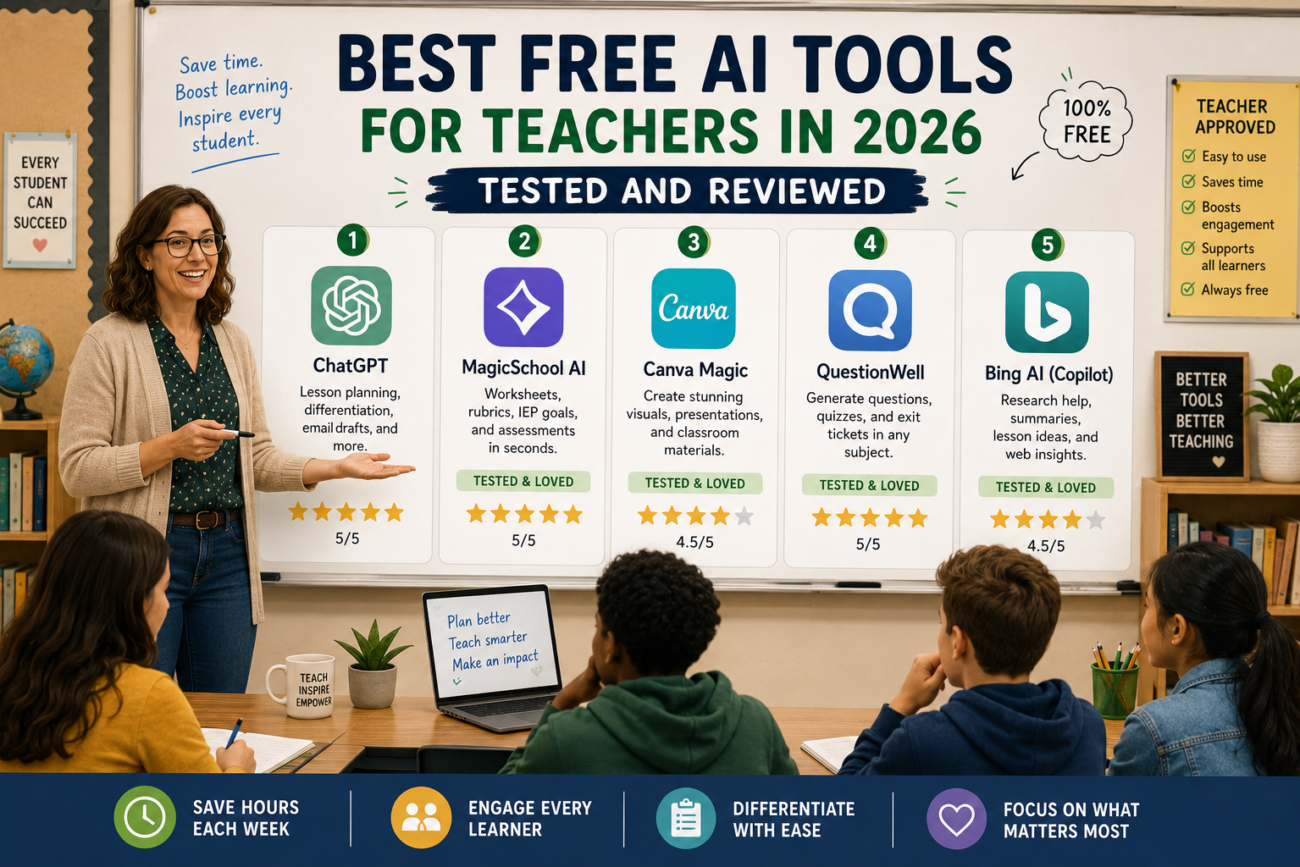
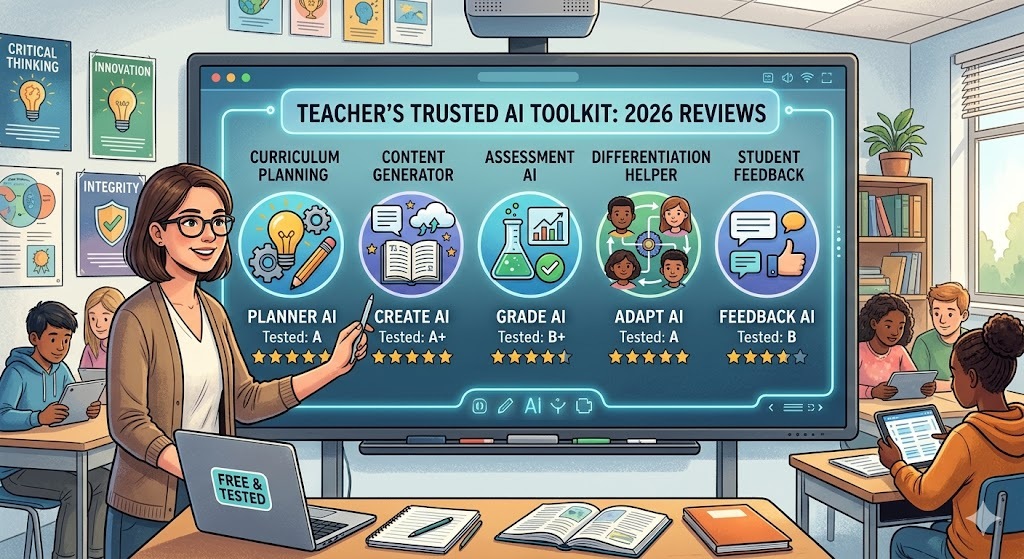
Fast forward a few months, and I’ve tried a bunch of AI tools available for teachers in 2026 — yes, I even took a deep breath and tried a few I thought were just gimmicks. For you, dear reader, I’ve tested and reviewed what I believe are the best free AI tools that can actually make your teaching life easier.
1. ChatGPT
Getting great results from any of these tools comes down to your prompts. How to Write Better AI Prompts for Education: A Teacher Cheat Sheet covers the exact formulas I use.
Yes, the big player. The one that started this whole AI explosion in education. With its latest updates in 2026, ChatGPT can now generate customized lesson plans and even create quizzes perfectly aligned with state standards. I asked it to create a week-long unit plan on ecosystems for my seventh graders. It did it in under a minute — and I didn’t even have to bribe it with coffee.
2. Canva
Canva’s AI features took my mundane PowerPoints to another level. I was struggling with visual aids that didn’t look like they were made by a middle schooler. With Canva, you just type in the theme, and voilà, you’ve got stunning visuals. It basically turned my “clip art” presentations into something that could hang in a gallery. I may have even considered charging for entry.
3. Quillionz
Quillionz was a revelation for quiz creation. I used to spend hours crafting quiz questions from my lesson materials. Now, with Quillionz, I just upload my notes, and it spits out multiple-choice questions faster than my kids can finish their lunch. I still check its work, but it’s like having a reliable teaching assistant who never asks for pay.
4. Socratic by Google
Socratic helps students understand concepts with step-by-step explanations. I once had a student completely stuck on a math problem. I had my phone out, ran the question through Socratic, and boom! Clarity appeared on my student’s face. It’s like magic, but without the wand and glitter.
5. EdPuzzle
If you’re not using EdPuzzle, why not? It’s a game-changer for video lessons. I started using it last year when I realized my kids were zoning out halfway through an online video lecture. With EdPuzzle, I can turn video clips into interactive lessons complete with embedded questions. The kids are engaged, and I can track their progress. No more “I didn’t watch it” excuses.
6. Flipgrid
There’s nothing like Flipgrid for fostering student voices. It lets students record video responses to prompts. I was skeptical. Would they really participate? Turns out, yes! They love seeing each other’s videos. It’s like a TikTok for homework — and who doesn’t want that in their classroom?
What Didn’t Work for Me
Not everything I tried went smoothly. I jumped on Synthesia to create AI-generated videos for my history lessons. It sounded great; I envisioned a virtual me explaining events to my students in a cool format. Unfortunately, I ended up looking like a weird robot version of myself. Let’s just say my students found it more amusing than educational. Lesson learned: always test your tech before showing it to the class!
FAQ
1. Are these tools really free?
Most have free versions with premium options. I’ve used the free versions and they work just fine for basic needs.
2. How long does it take to learn these tools?
Honestly? Not long. Most are user-friendly. I’d say about an hour of playing around is all you need to feel comfortable.
3. Can I use these tools for different subjects?
Absolutely! Whether you teach math, history, or science, there’s something here for you.
4. What if I have tech challenges?
Join a community of teachers using these tools. I found tons of support on social media groups.
5. Will AI replace teachers?
No way! It’s a tool to help us do our jobs better, not replace the essential human connection we have with students.
Reflecting Back
So here we are, halfway through 2026, and I can confidently say that AI has reshaped my teaching experience. There were moments of doubt, of course — like when my AI-generated lesson plan literally told the students to “reflect.” But as I grew more open to these tools, I saw just how much they can enhance learning. If you haven’t tried these free AI tools yet, give them a shot. Who knows? You might just find yourself enjoying lesson planning — or at least not dreading it as much.
