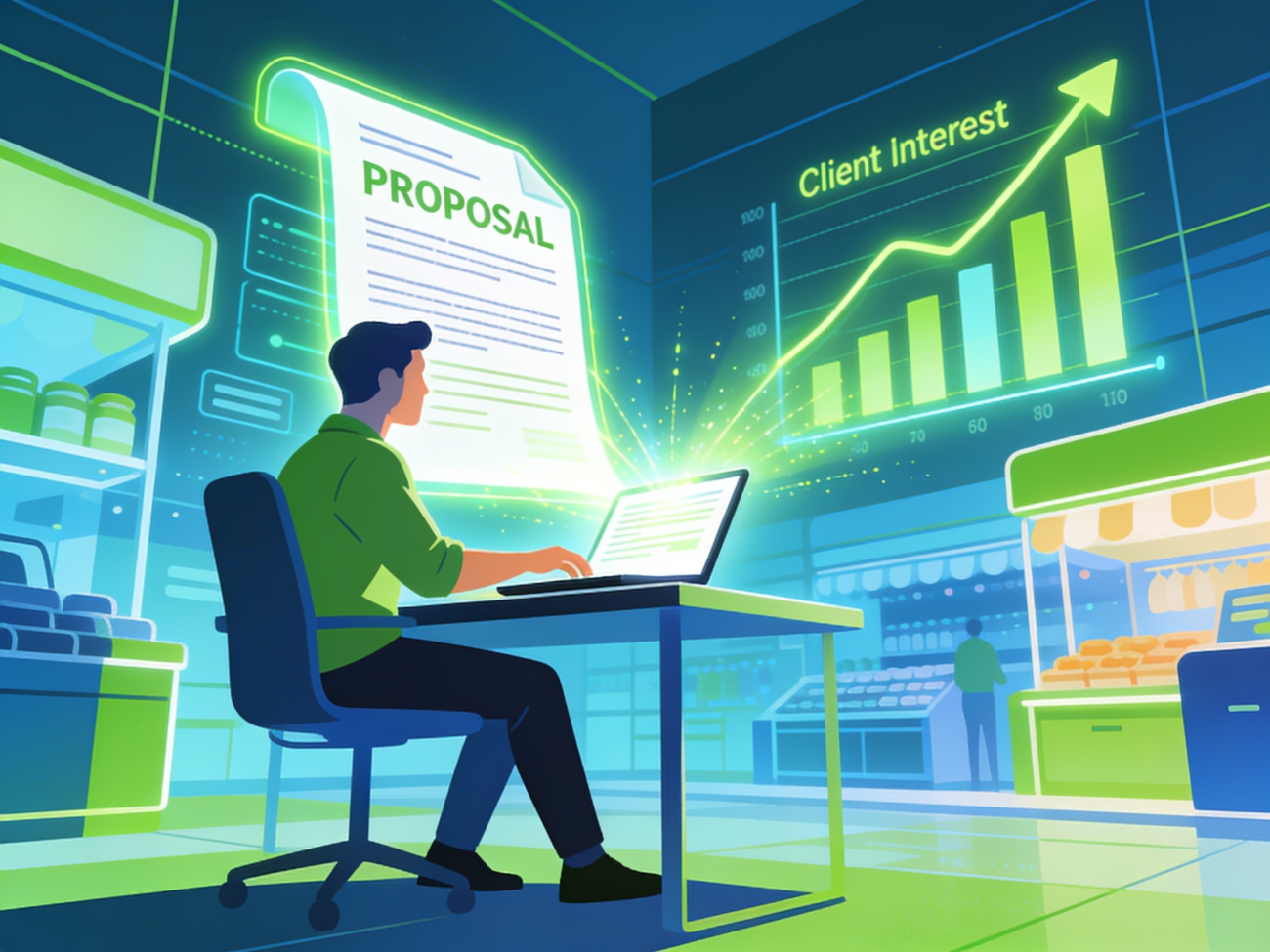
It was 2:17 PM on a Tuesday. I was sitting in my living room, laptop open on my lap like a tired scholar at the crack of dawn. The cursor blinked mockingly as I stared at the job post: “Needs a creative copywriter to craft proposals that don’t sound like a robot wrote them.” My palms were sweaty. My brain was foggy. And my Upwork account had drained my confidence after 12 rejections and zero clicks. I thought, “Alex, you’ve written 100 emails in your life. This should be easy.” But it wasn’t. Because this wasn’t just writing — it was selling. And I was stuck. That’s when I opened ChatGPT. Not because I was desperate. But because I’d heard it could “fix my sucky proposals.” Spoiler: it did. But not in the way I expected.
Why I Started Using AI for Upwork Proposals
Let’s be real: I’m a klutz with copywriting. My first Upwork job? I pitched a 500-word email template to a client who wanted a blog post. The client ghosted me. Harsh, but accurate. Over time, I learned the game: clients don’t care about your skills. They care about solutions. They want someone who’ll get them results, fast. And honestly? I’d rather let a machine handle the grunt work so I could focus on strategy. AI didn’t just write my proposals — it rewrote my entire approach.
My First AI-Powered Proposal: A Total Disaster
Here’s the raw truth: My first AI-generated proposal was brutal. I asked ChatGPT, “Write a proposal for a social media manager role. Mention three skills and why you love this niche.” The response? A generic pile of fluff. “I’m passionate about creating engaging content!” Oh wow, groundbreaking. I sent it to a client. Radio silence. Then I realized my mistake: I’d treated AI like a spellchecker, not a collaborator. AI doesn’t *think* — it predicts. I needed to guide it like a temperamental intern.
Fixing the Mess: A Process Breakdown
Let me backtrack. I had to retrain my brain. AI isn’t a magic button. It’s a tool that needs your fingerprints all over it. Here’s how I broke the cycle:
Step 1: Dump Every Detail in Your Brain
Before touching AI, I gathered everything. The client’s post. Their niche. Any hidden clues (like “we need fresh ideas” in the job title). I even pulled up the client’s website to see their tone. Was it playful? Serious? I found one had a blog about “sipping coffee while working from home.” Cue me adding, “As someone who lives for morning brews and morning meetings, I get it.” Personalization matters. AI amplifies what you feed it.
Step 2: Create a “Cheat Sheet” for AI
I built a little template. Like this:
Client Name: [Name]
Their Niche: [e.g., vegan baking]
Their Pain Points: [e.g., “Can’t get engagement on Instagram”]
My Skills: [e.g., “Instagram growth hacking”]
Why I’m a Fit: [e.g., “I helped a bakery double their followers”]
This gave AI specific hooks. Instead of guessing, it had data to weave into sentences. Example: “You mentioned struggling with Instagram visibility — I’ve grown audiences by 150% in this niche.” Boom. Relevance.
Step 3: Rewrite, Rewrite, Rewrite
AI’s first draft? Trash. But it’s a starting point. I’d tweak the prompt: “Rewrite this intro to sound like a casual chat, like we’re bantering over coffee.” Result: “Hey [Client], I’ll admit — I’m obsessed with [niche]. Let’s talk growth hacking over espresso.” Real talk.
Step 4: Add Your Weird, Unique Angle
AI can’t replicate your weirdness. Years ago, I bombed a proposal by being too formal. Then I leaned into my personality. Like the time I told a client: “I’ll write you 50 tweets or delete X.” (True story. They hired me.) I’d add these quirks to my prompts: “Add a bit of sarcasm,” or “Make this feel like a handshake, not a sales pitch.”
Step 5: Measure. Then Adjust.
Here’s the magic: AI lets me A/B test. I’d tweak 1-2 lines per proposal and track which opened more. One version with “Let’s crush your goals” got 3 callbacks; another with “Let’s sip coffee and strategize” got 5. Small tweaks = big results.
Real Results: How AI Boosted My Upwork Success
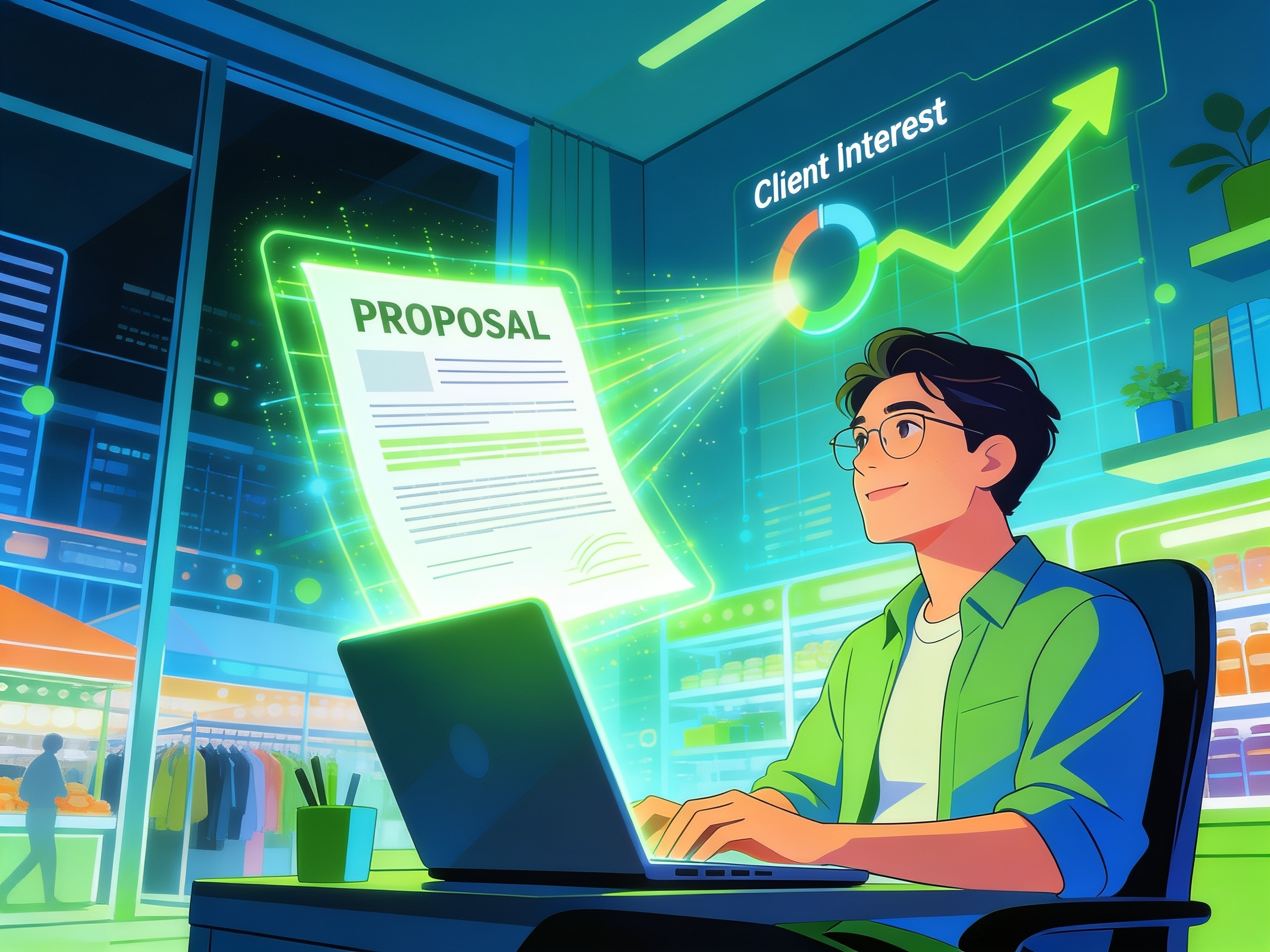
After tweaking my process, things shifted. In three months, I landed six jobs. My win rate jumped from 12% to 35%. But numbers don’t tell the whole story. Here’s one example: A client in the wellness niche finally responded after I used AI to mirror their exact pain points. “You mentioned you’re overwhelmed with content ideas,” I wrote. “I’ll take that off your plate with a month’s worth of posts — all branded to your voice.” They said yes. AI helped me sound like a mind reader.
FAQs: Burning Questions (I’ve Got Answers)
1. Doesn’t AI Make Proposals Sound Robotic?
Only if you treat it like a sentient Google. I fight this by adding personality. Like the time I asked AI, “Rewrite the closing to sound like we’re friends.” Result: “P.S. Let’s celebrate your next big win with a virtual latte.” Clients get it. They’re human too.
2. How Many Proposals Should I Write with AI?
Not all. I still write 20% by hand — the ones where AI really struggles, like niche humor. But 80%? AI saves me hours. It’s like outsourcing your assistant, but cheaper.
3. What If a Client Asks, “How Did You Come Up With This?”
Truth bombs only. “I used AI to draft it faster, but every line here is tailored to your business.” 90% of clients care if it works. They don’t care how you built it. As long as it’s polished, no one will bat an eye.
4. Is This Ethical?
It’s like asking if using Google is cheating. AI is just a tool — like a research or a calculator. You’re still doing the heavy lifting. I’d compare it to hiring a junior writer to start the draft. Key difference: You’re in charge.
5. Isn’t AI Slowing Down Human Writers?
AI isn’t replacing creativity — it’s freeing it up. I write more now because I’m not stuck rewriting the same boring opener for the 10th time. The real magic? I’m finally showing up as *me*, not a generic “creative guru.”
6. How Much Time Should I Spend on AI Editing?
15 minutes per proposal. Anything more, and you’re overthinking. I set a timer. Edit once, then send. Clients crave speed — not perfection.
Final Thoughts: Your AI Upwork Revolution Starts Now
Listen, I used to hate my proposals. They felt like chores. Now they’re fun. AI didn’t make me a better writer — it made me a smarter one. I still proofread, still personalize, still add my weirdness. But AI handles the boilerplate, the research, the “What if I try this?” ideas. Result? I land more jobs, charge what I’m worth, and actually enjoy the grind. So go try it. Yes, your first few will suck. But that’s how you learn. And who cares if it’s not perfect? The client doesn’t either. Start somewhere. Start today. Your next yes starts with one line — or one AI-generated draft — away.
P.S. A Few Tools I Use (No Shill Here)
ChatGPT (obviously), Jasper (excellent for tone), and Upwork’s own Proposal Wizard. And I use Grammarly to catch typos that AI weirdly misses. But the real MVP? My coffee machine — it fuels the process.
