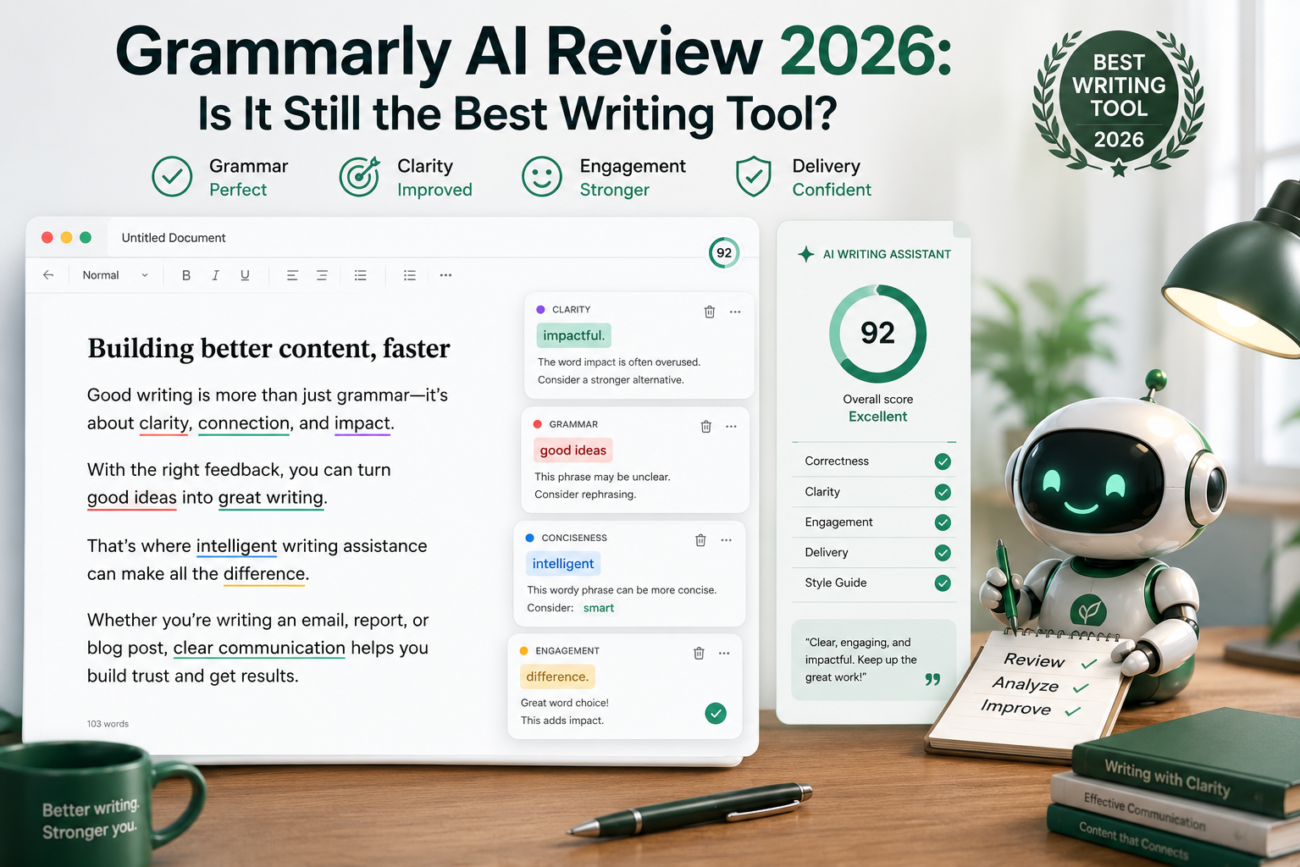
I’ve used Grammarly AI for years, mostly as a safety net that caught my typos before I embarrassed myself in an email. But the writing-tool landscape has changed completely; ChatGPT and Claude can now rewrite a whole paragraph in seconds. So the real question for this Grammarly AI review isn’t “does it catch mistakes?” It’s whether Grammarly AI is still worth a dedicated spot in your toolkit in 2026, or whether the all-purpose chatbots have made it redundant. Here’s my honest take after putting it back to work.
What Grammarly AI does well
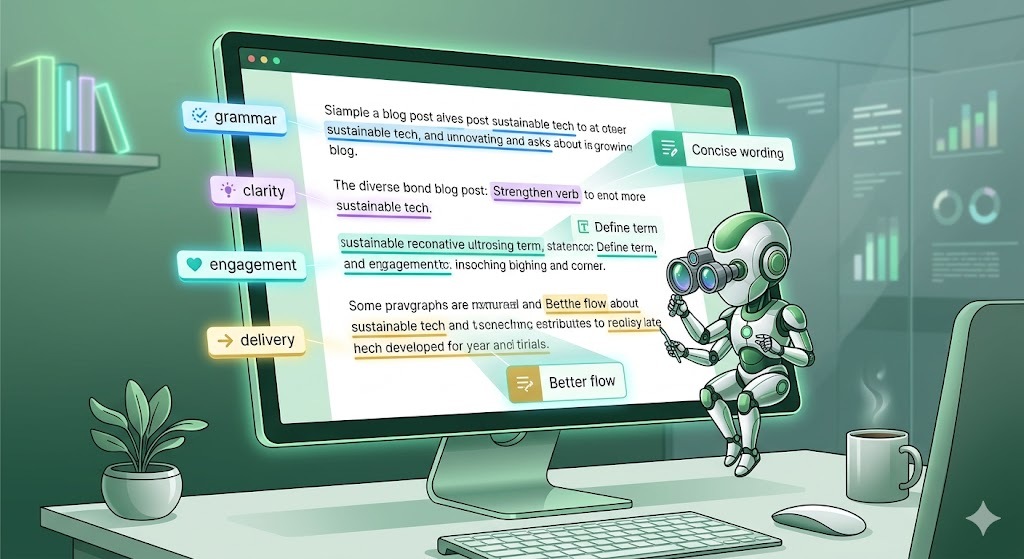
The core strength is the same one that made it famous, except smarter. Grammarly AI checks grammar, spelling, punctuation, and clarity in real time, everywhere you already write. That last part is the whole game. It lives in your browser, your email, your docs, and your messaging apps, quietly fixing things as you type. You don’t have to copy text into a separate tab and paste it back.
On top of that foundation, it now does more: tone detection that flags when an email reads as harsh or unsure, full-sentence rewrites, and a generative assistant that can draft and adjust text on the spot. For consistency across a team, the style and brand-tone features are genuinely useful, something a general chatbot doesn’t really replicate.
Where it falls short
This is an honest review, so the weaknesses matter. For heavy lifting, drafting a long article from scratch, deep brainstorming, complex reasoning, Grammarly AI is weaker than ChatGPT or Claude. Its generative output is fine for polishing, less impressive for creating. The free tier is also more limited than it used to be, with the most useful rewrite and generative features pushed behind the paid plan. And if you already pay for a general AI tool, you’ll feel some overlap.
Grammarly AI vs the all-purpose chatbots
Here’s the honest comparison, because this is the decision most people are actually making:
- Grammarly AI wins on integration and real-time correction. It fixes your writing in place, across every app, without breaking your flow. Nothing else does this as seamlessly.
- ChatGPT and Claude win on creation. For generating, restructuring, or reasoning through content, they’re stronger.
They’re not really competitors so much as different jobs. The chatbots help you write something; Grammarly AI makes sure everything you write, everywhere, is clean and on tone without you thinking about it.
The honest truth: the three things that matter
Let me save you the time I wasted testing every feature. For most people, Grammarly AI comes down to three things:
- Real-time correction everywhere you type — the reason to use it at all.
- Tone detection — quietly, the most valuable feature for anyone who sends a lot of email.
- Rewrites for clarity — turning a clunky sentence into a clean one in one click.
Everything else is optional. Nail these three, and you’ll get more out of it than most users do.
How to decide if it’s worth it
Don’t overthink the trial. Install the free version and just write normally for a week, emails, messages, and docs. Pay attention to how often it catches something you’d have sent without noticing. If those saves feel valuable, the paid upgrade is an easy call. If you rarely notice it working, you probably don’t need it, especially if a general AI tool already covers your writing. Judge it on your own week of real use, not a reviewer’s verdict.
Final verdict
So, is Grammarly AI still the best writing tool in 2026? For its actual job, real-time, everywhere correction and tone, yes, nothing beats it, and the AI additions make it more capable than ever. But it’s no longer the only writing tool you need. The smart setup pairs Grammarly AI for polish with a chatbot for creation. Used that way, it absolutely still earns its place.
Frequently asked questions
Is Grammarly AI free? Yes, there’s a free tier covering core grammar, spelling, and punctuation. Tone rewrites, and the generative features mostly sit behind the paid plan, but the free version is worth starting with.
How long until I see results with Grammarly AI? Immediately, it corrects as you type from day one. The bigger habit shift, writing more confidently, tends to show up within the first week of regular use.
Is Grammarly AI better than ChatGPT for writing? Different jobs. Grammarly AI is better at real-time correction and tone across every app; ChatGPT is better at drafting and creating from scratch. Many people use both.
Can I use Grammarly AI alongside my current tools? Yes, and that’s the best approach. It runs in the background across your apps, so it complements rather than replaces your existing workflow.
